Jack Westin
A redesign of the dashboard for paid users, so MCAT students reach the tools and resources they need without the hassle.
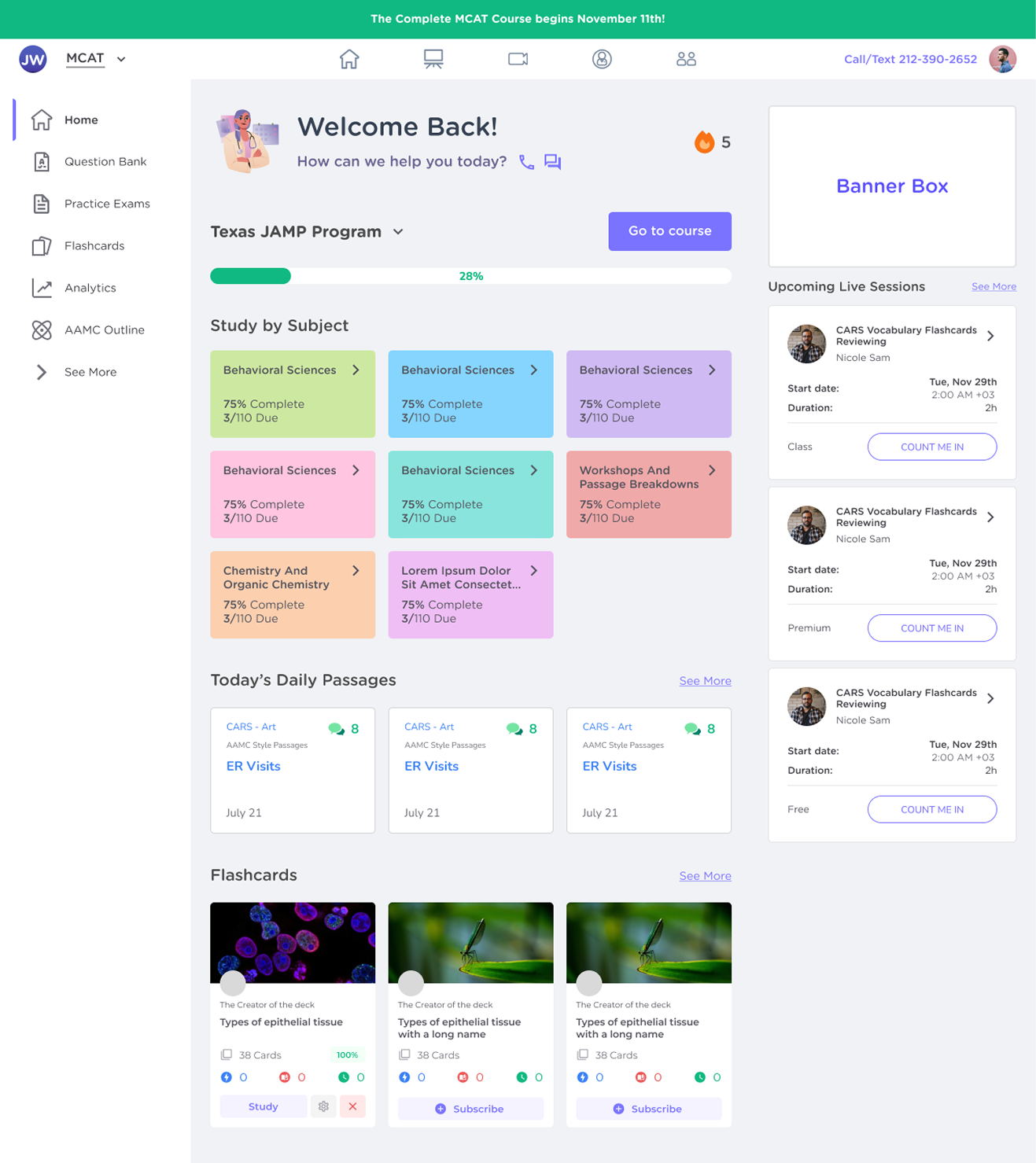
The old dashboard felt dense and text-focused. The redesign brings a cleaner, more interactive layout with sidebar navigation, colour-coded study modules and progress indicators.
- Role
- UX/UI designer: user needs, competitive research, UI design
- Timeline
- July – September 2024
- Users
- Paid users preparing for the MCAT
- Methods
- Competitive analysis of five study platforms, key insights, moodboard, input from the company, users and developers
The project at a glance
The problem
The dashboard for paid users felt dense and overly text-focused. Students found it hard to locate essential resources or monitor their progress, and had few ways to track their advancement.
What I made
A redesigned dashboard with sidebar navigation, colour-coded study modules, progress indicators, daily passages and live session schedules.
How I got there
A competitive analysis of five study platforms, key insights drawn from it, a moodboard, and input from the company, users and developers.
The research and process behind each step are in the collapsed sections at the end of the page.
Three decisions that shaped the dashboard
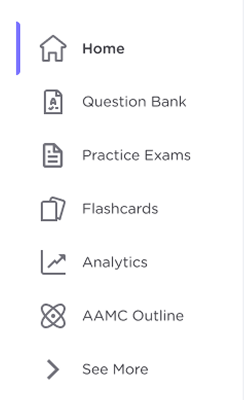
A sidebar for every study tool
- The decision
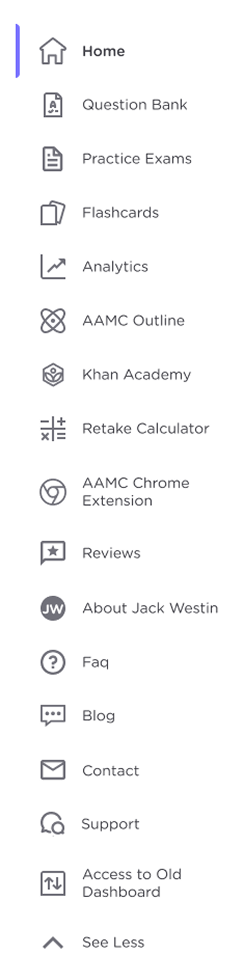
- Move the study tools into a sidebar where every item has an icon and a clear label. The most-used tools stay visible; the rest open under “See More”.
- Why
- Students had trouble finding essential resources on the old, text-heavy page. A goal was to make study resources easy to reach with a sidebar and clear labels, so users can quickly locate and focus on their materials.
Colour-coded study modules
- The decision
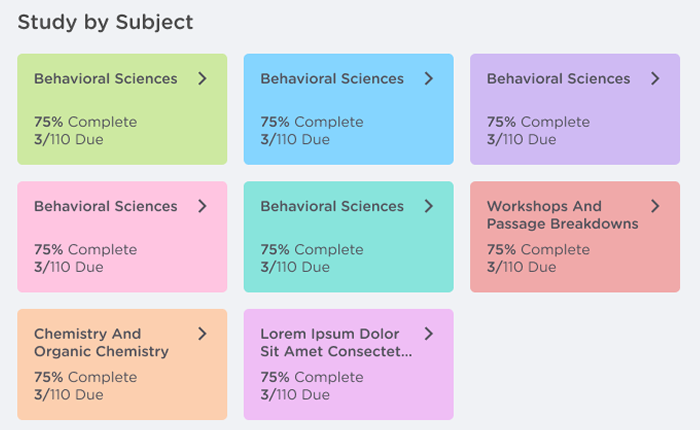
- Group the course into “Study by Subject” cards, each with its own colour, completion percentage and number of items due.
- Why
- The old layout lacked clear organization. Colour-coded sections and progress indicators create a clean layout that reduces cognitive load and helps users prioritize at a glance.
Progress and a reason to come back daily
- The decision
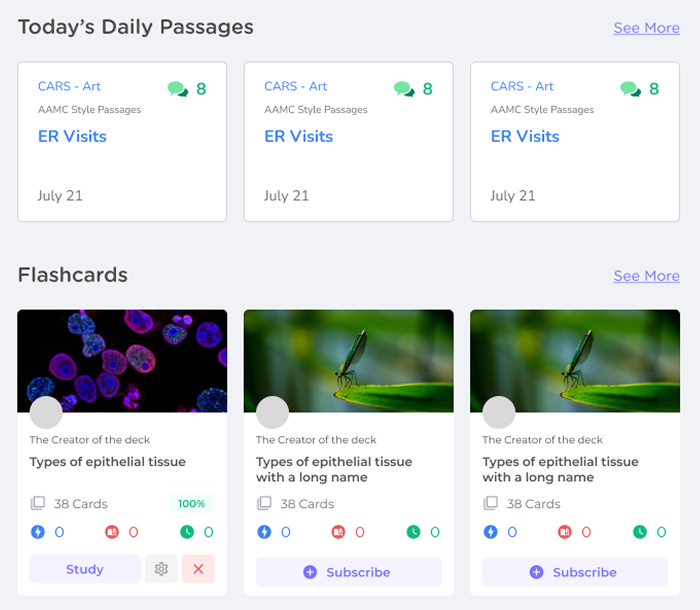
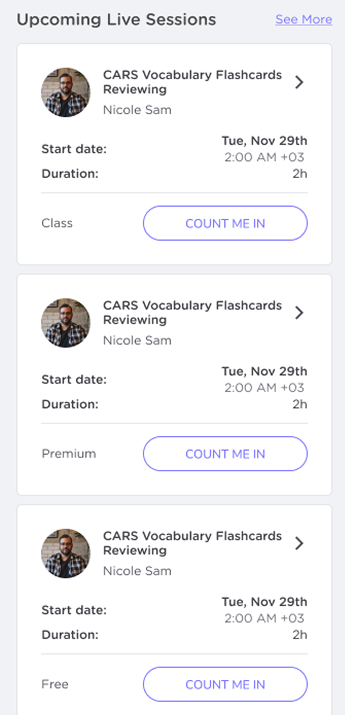
- Put program progress and a streak counter at the top, with today's daily passages, flashcards and upcoming live sessions on the same screen.
- Why
- Students had limited ways to track their advancement, which can hinder motivation. The goals were visible progress for each subject, and interactive elements like daily passages and live session schedules to encourage regular study habits.

What the research showed
I compared two indirect competitors, Duolingo and Busuu, and three direct ones, Blueprint, Bootcamp.com and UWorld, across first impressions, features, accessibility, user flow, navigation, brand identity, tone and content.
Competitors' strengths
- Fun, accessible and engaging, with playful, minimalistic designs that encourage daily use
- Minimalistic layouts with interactive features like daily tasks
- Question banks, flashcards and live classes offer depth for serious learners
- Clean, organized interfaces and study schedules help students stay focused
Competitors' weaknesses
- Limited for advanced users
- Ads can be disruptive for free users
- Lack of a mobile app affects usability
- Minimal accessibility features, especially for visual and audio support
- Restricting features to premium users can limit accessibility
Opportunities
- A dedicated mobile app would allow students to study on the go
- Screen reader support, adjustable text sizes or audio options
- Streaks, daily challenges or rewards could make studying more engaging
- Consistent colours, fonts and messaging for a stronger, more polished identity
Where the insights went
Five key insights came out of the analysis. Three shaped this version of the dashboard; two are still open.
Simplify navigation
In the design A sidebar with an icon and a label for every study tool. Decision 01Progress tracking and gamification
In the design A program progress bar and a streak counter in the welcome header. Decision 03Guided prompts
In the design Today's daily passages give a place to start at every login. Decision 03Boost accessibility
Still open Scalable text, colour-coding options and dark mode are listed under next steps.Personalization
Still open Study recommendations based on past activity are listed under next steps.
The proposed dashboard
This design came together based on input from the company, users and developers. We stuck with existing components to keep the look and feel consistent across the board. The final layout reflects the company's specific requests, which is why there are currently two navigation bars: a temporary setup, kept on the company's and developers' feedback.
- A sidebar with an icon and a label for every study tool.
- Program progress, visible as soon as the page opens.
- Colour-coded subject cards with completion and items due.
- Today's daily passages and flashcards, one step from home.
- Upcoming live sessions with a “Count me in” button.
- The existing top bar, kept for now at the company's and developers' request.
Graveyard
Earlier dashboard layouts that tested different ways to arrange subjects, passages and sessions. None of them made it to the final design, but each one taught us something about the final layout.
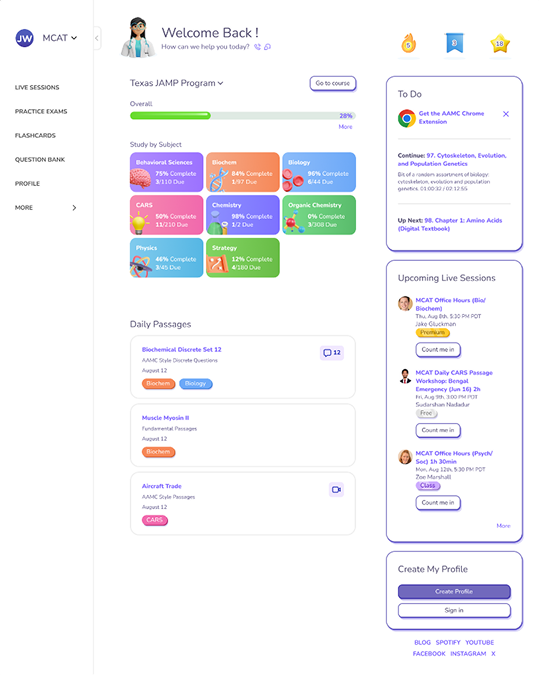 Layout 01
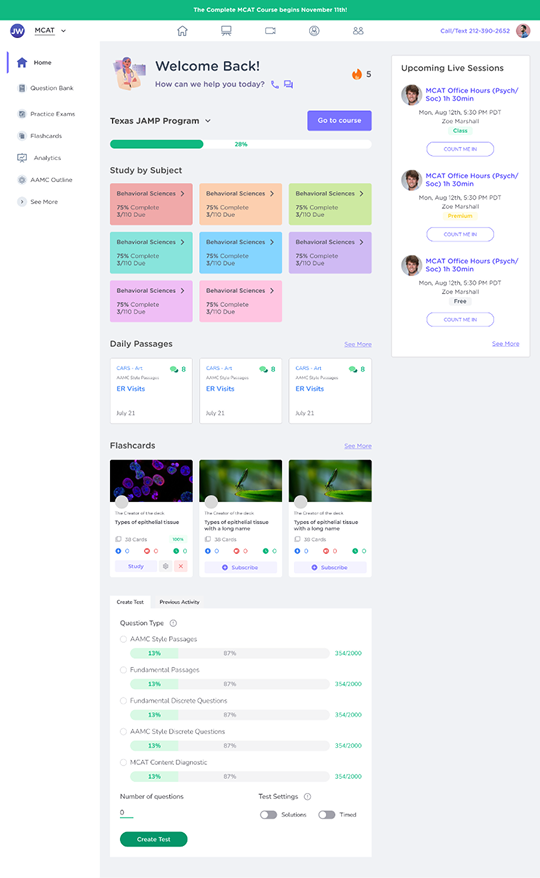 Layout 02
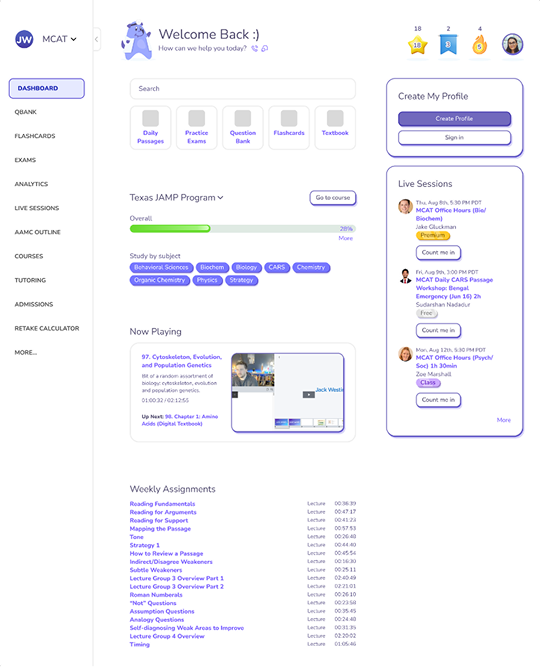 Layout 03
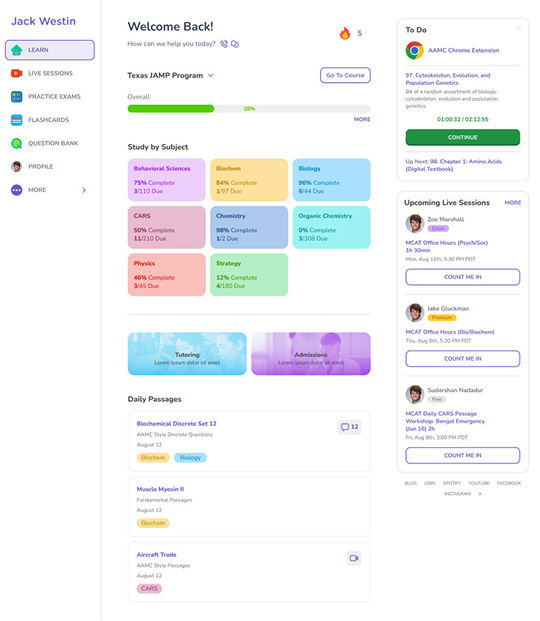 Layout 04
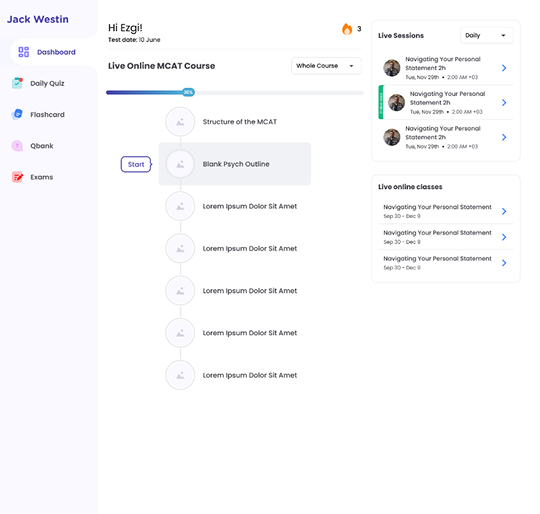 Layout 05
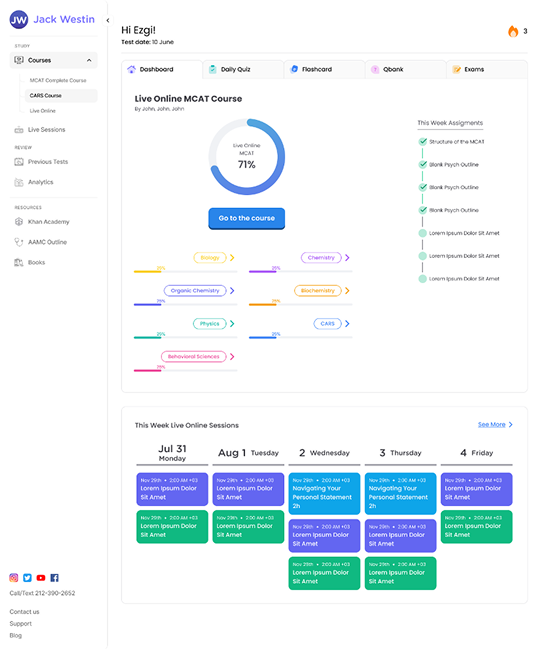 Layout 06
What I would explore next
- Gamification
Daily streaks, badges for milestones, or points users can earn for completing sections to boost engagement.
- AI-driven personalization
AI-driven suggestions for “Next Steps” based on user progress and learning patterns, making study recommendations smarter and more tailored.
- Detailed progress tracking
A breakdown of progress within each subject and goal-setting options, so users can track their weekly and monthly targets.
- Social and interactive elements
Peer study groups or forums, RSVP options for live sessions with reminders, and a leaderboard for friendly competition.
- Accessibility
Dark mode and font size adjustments for improved readability.
- Study planning
A personalized study plan generator and a recap of weekly and monthly accomplishments to help users stay organized.
Everything behind the decisions above, collapsed to keep the page short.
KickoffIntroduction, problem statement and goals
Introduction
This case study covers the redesign of the Jack Westin homepage with the goal of crafting a friendlier, more engaging, and efficient experience for all users. The project honed in on navigation and usability challenges in the existing design, aiming to give MCAT students smoother, more intuitive access to the tools and resources they need.
My role involved analyzing user needs, researching competitive solutions, and designing improvements to make navigation clear and easy, helping users get to key resources without the hassle.
Problem statement
The current Jack Westin dashboard for paid users feels dense and overly text-focused, making it challenging for users to find essential resources or monitor their progress. The layout lacks clear organization, with few interactive features and limited ways for users to track their advancement, which can hinder their motivation to stay engaged.
A redesign is necessary to enhance navigation, establish a clean visual hierarchy, and improve accessibility, creating a more supportive and efficient study environment for MCAT preparation.
Goals
- Improved navigation
Make essential study resources easily accessible with a sidebar and clear labels, allowing users to quickly locate and focus on their materials.
- Enhanced visual organization
Use colour-coded sections and progress indicators to create a clean, easy-to-navigate layout that reduces cognitive load and helps users prioritize at a glance.
- Boosted engagement
Introduce interactive elements, like daily passages and live session schedules, to encourage regular study habits and increase daily usage.
- Progress tracking and motivation
Add visible progress bars and completion indicators for each subject, helping users track their achievements and identify areas for improvement.
ResearchCompetitive audit and key insights
Competitive analysis
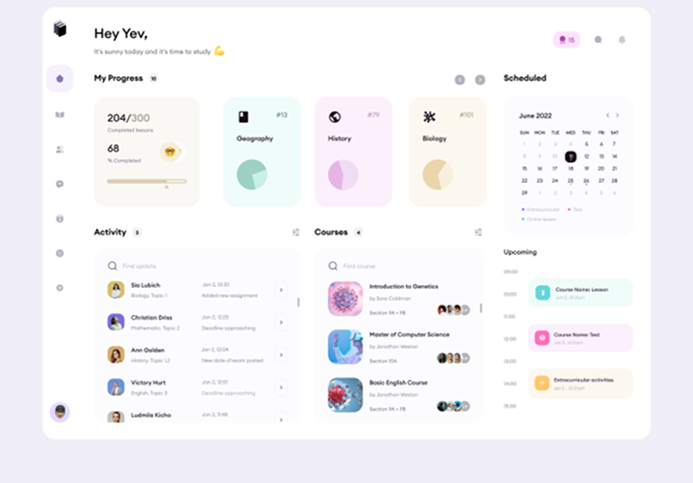
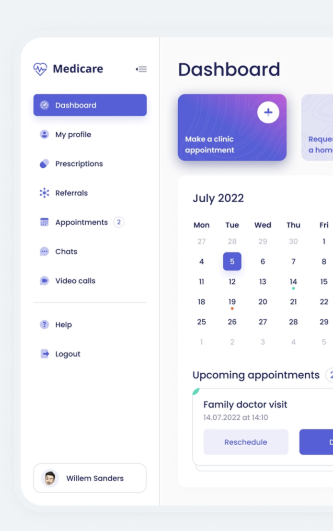
Five platforms, two indirect and three direct competitors, rated on the same criteria. Scroll sideways to see the full audit.

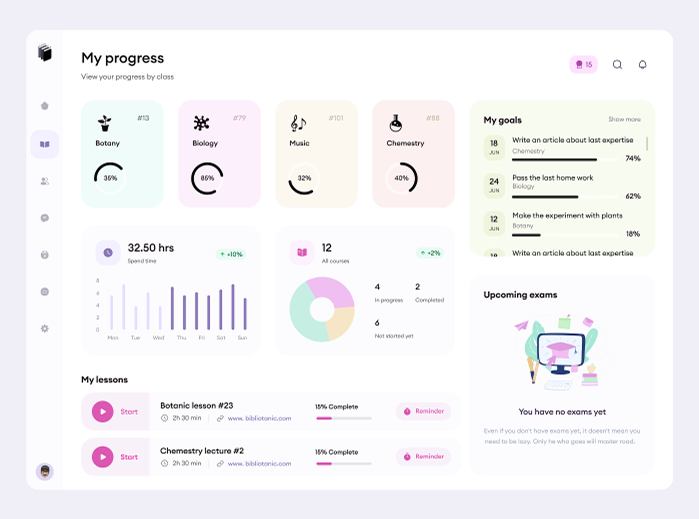
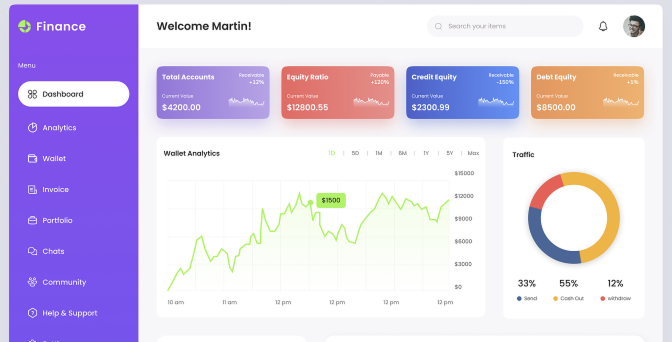
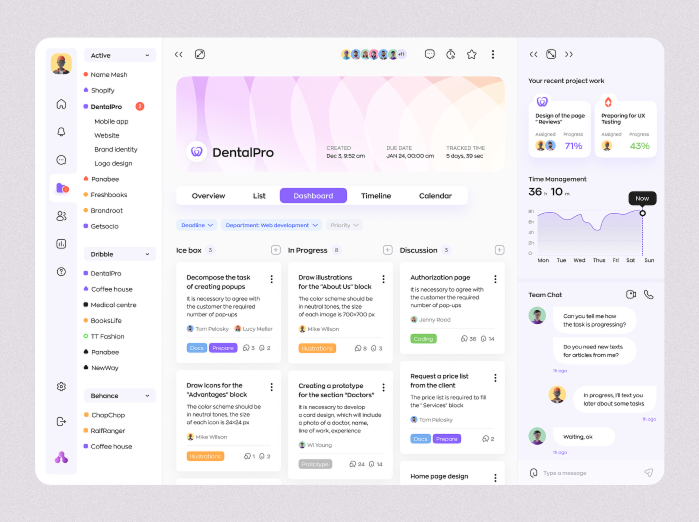
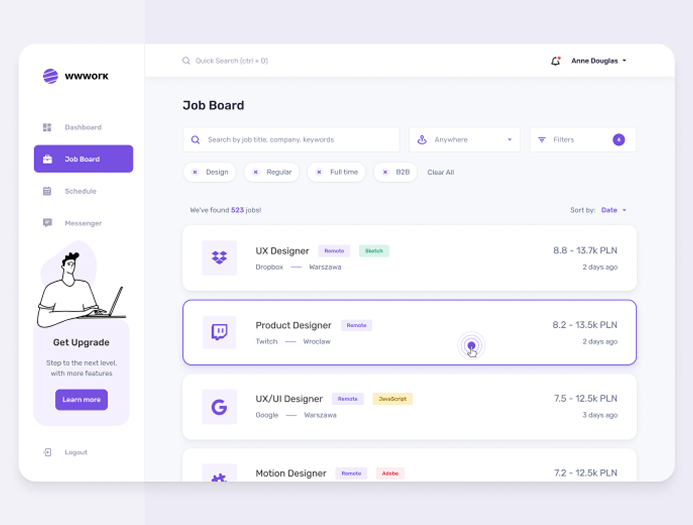
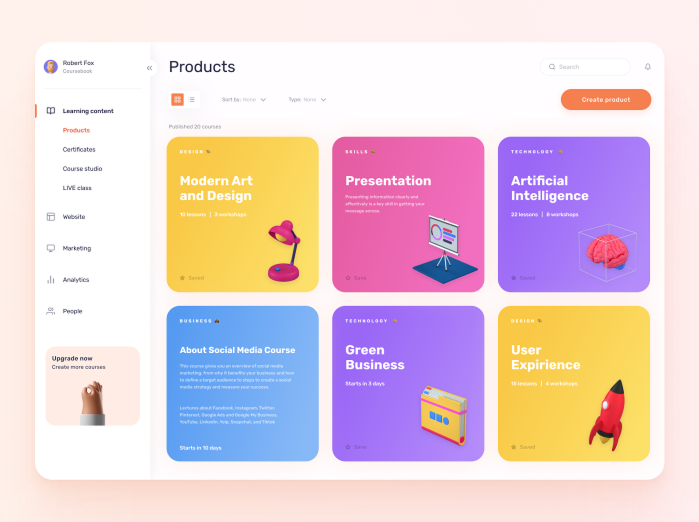
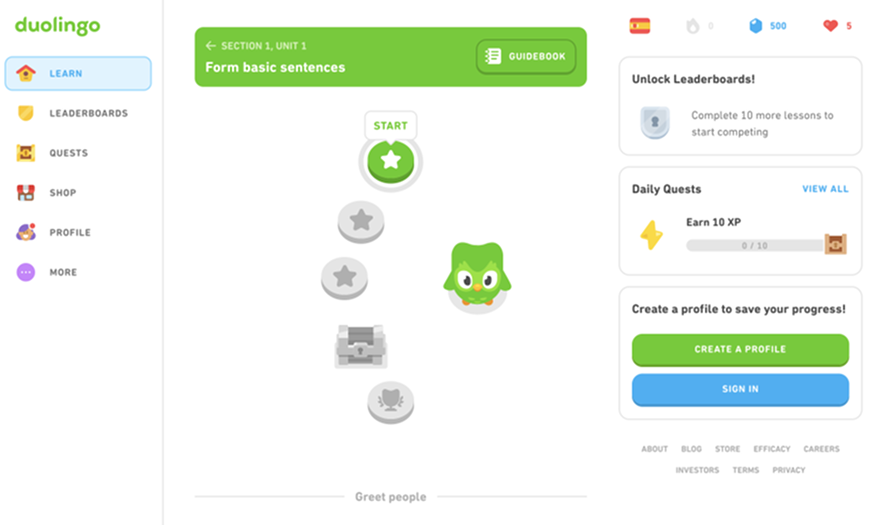
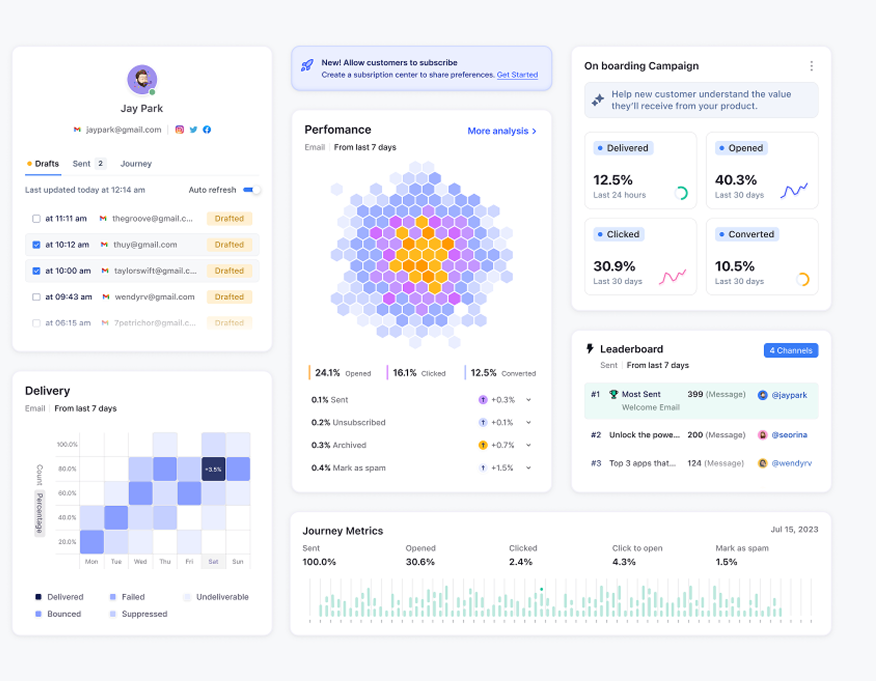
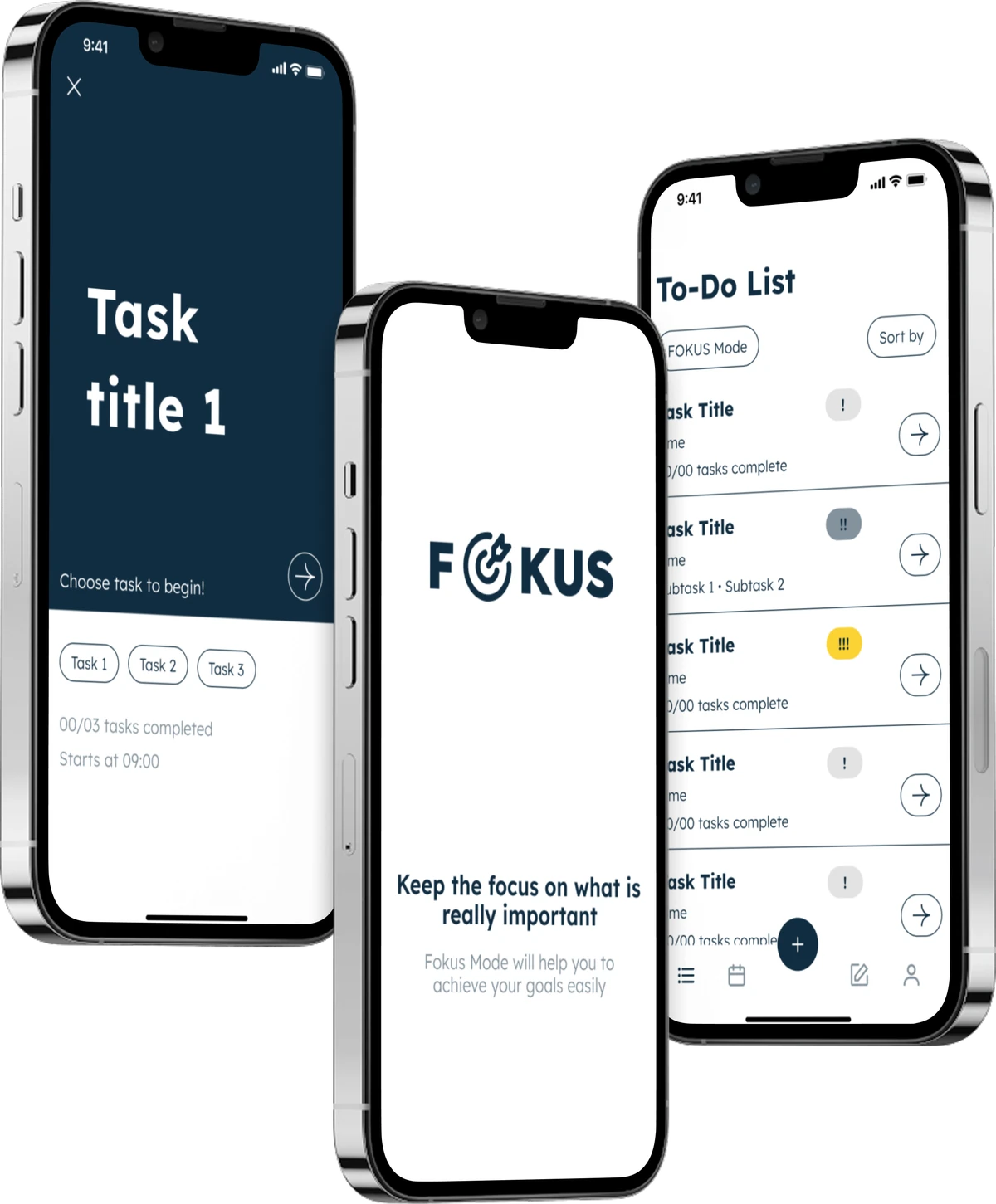
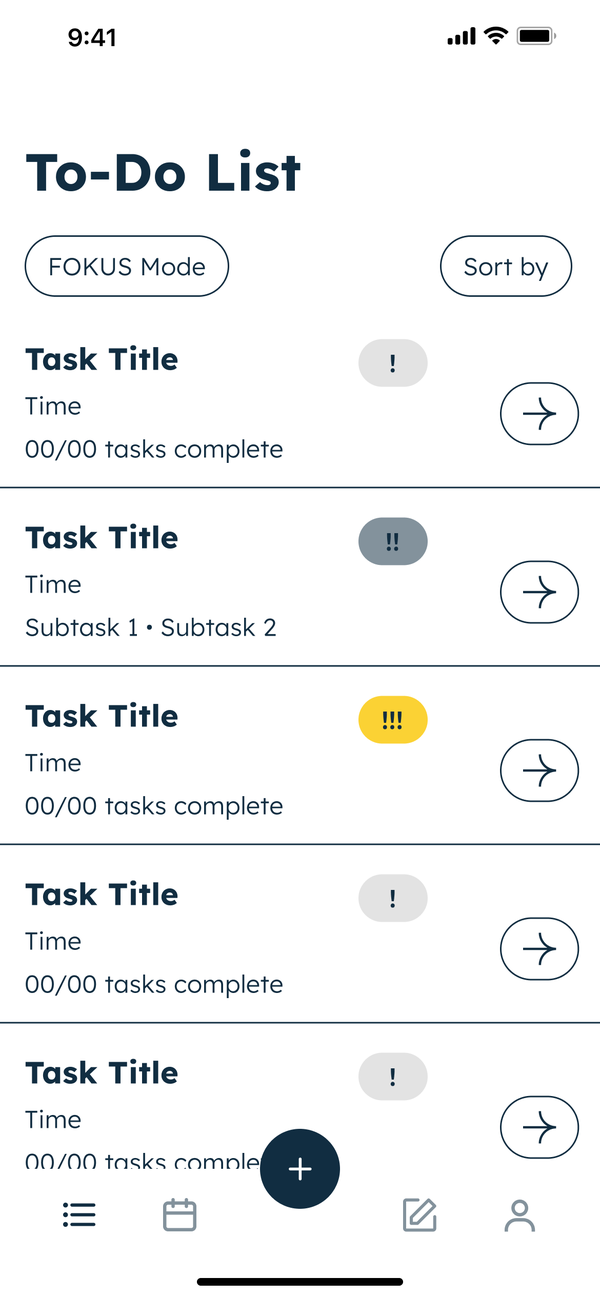
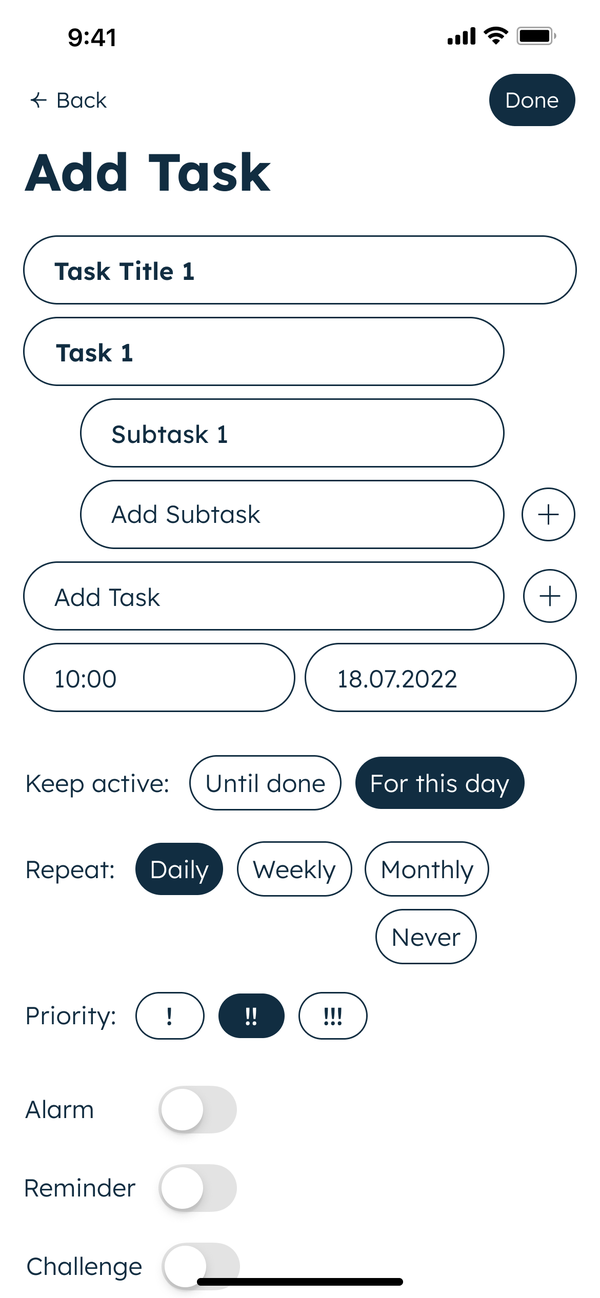
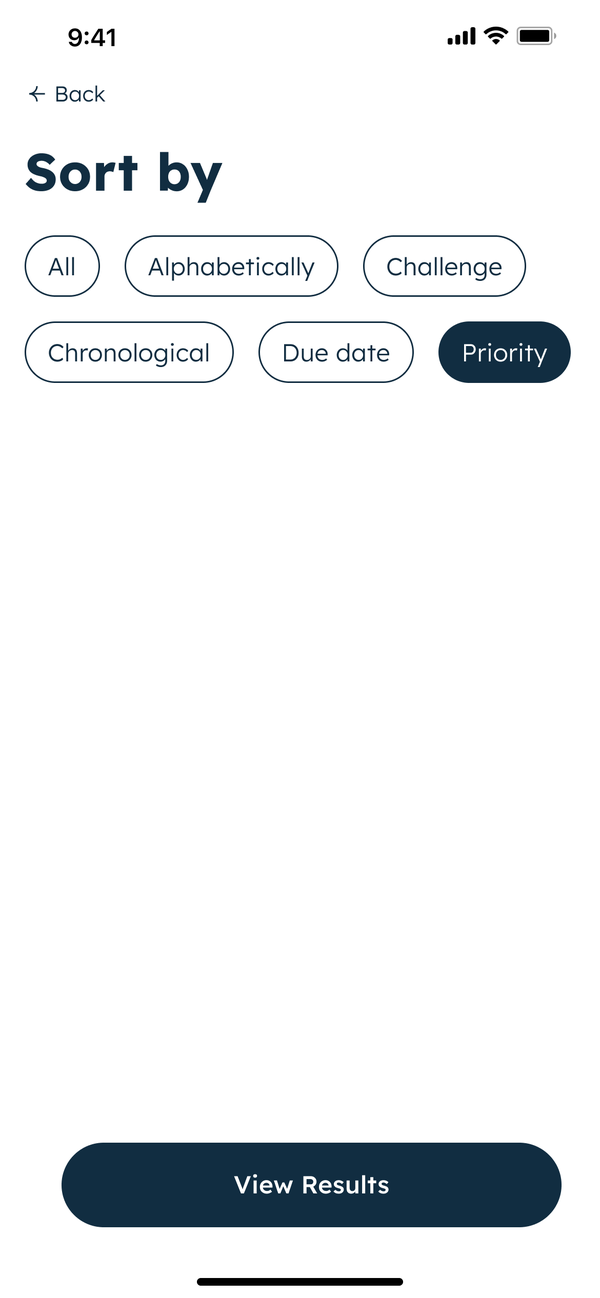
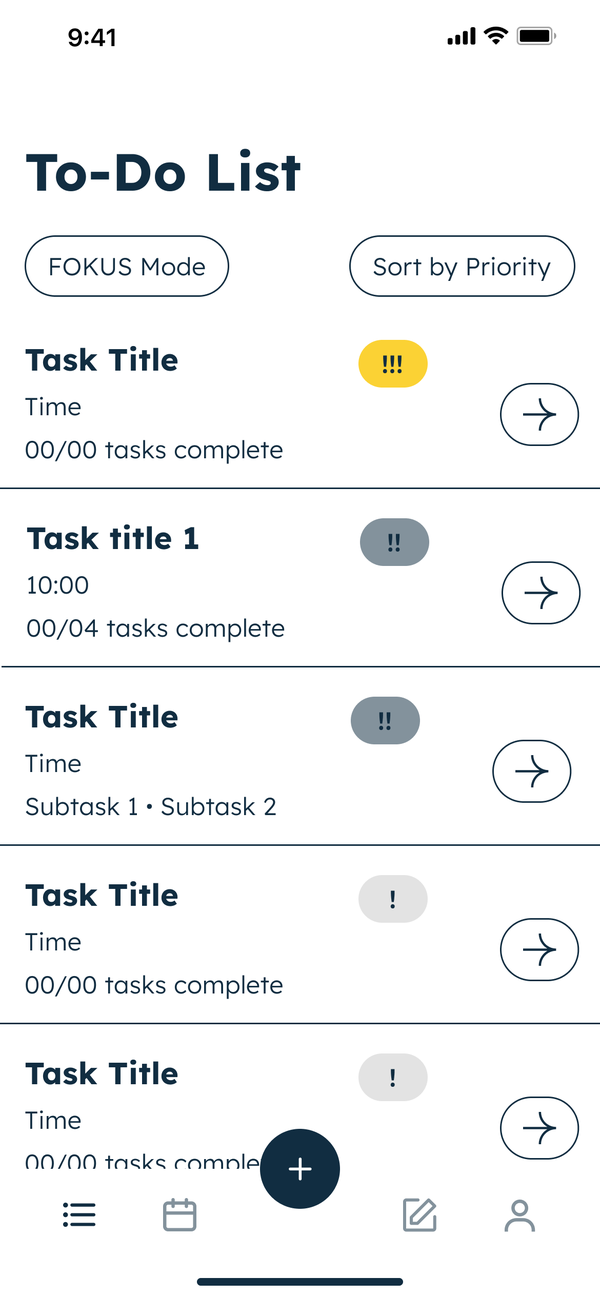
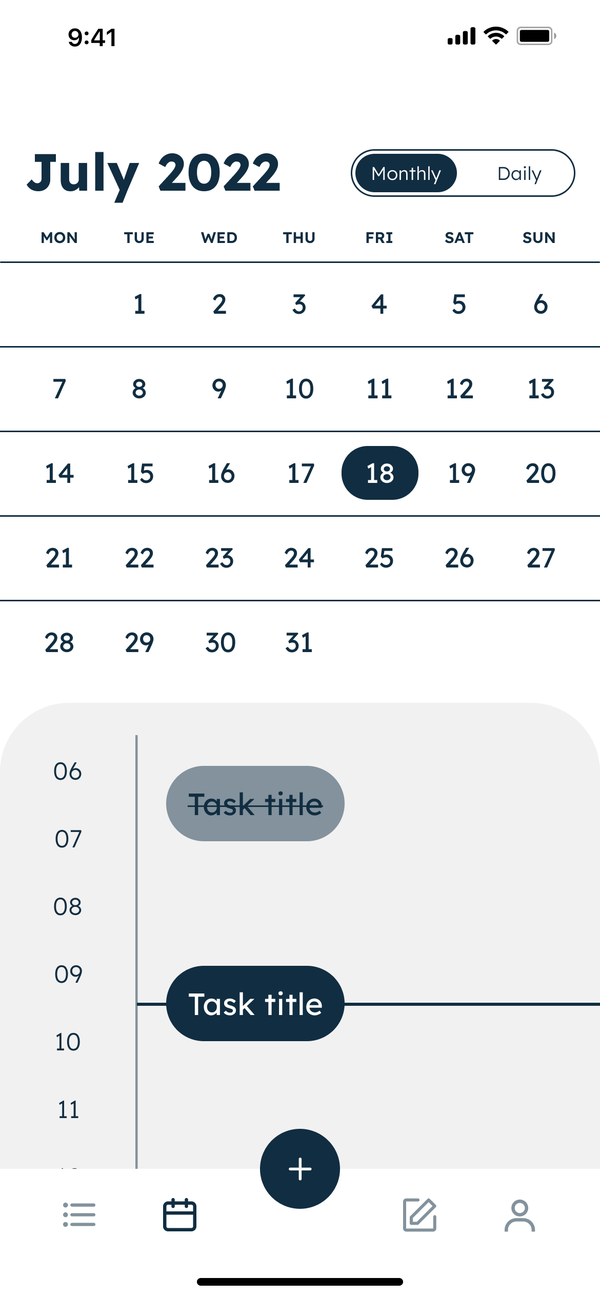


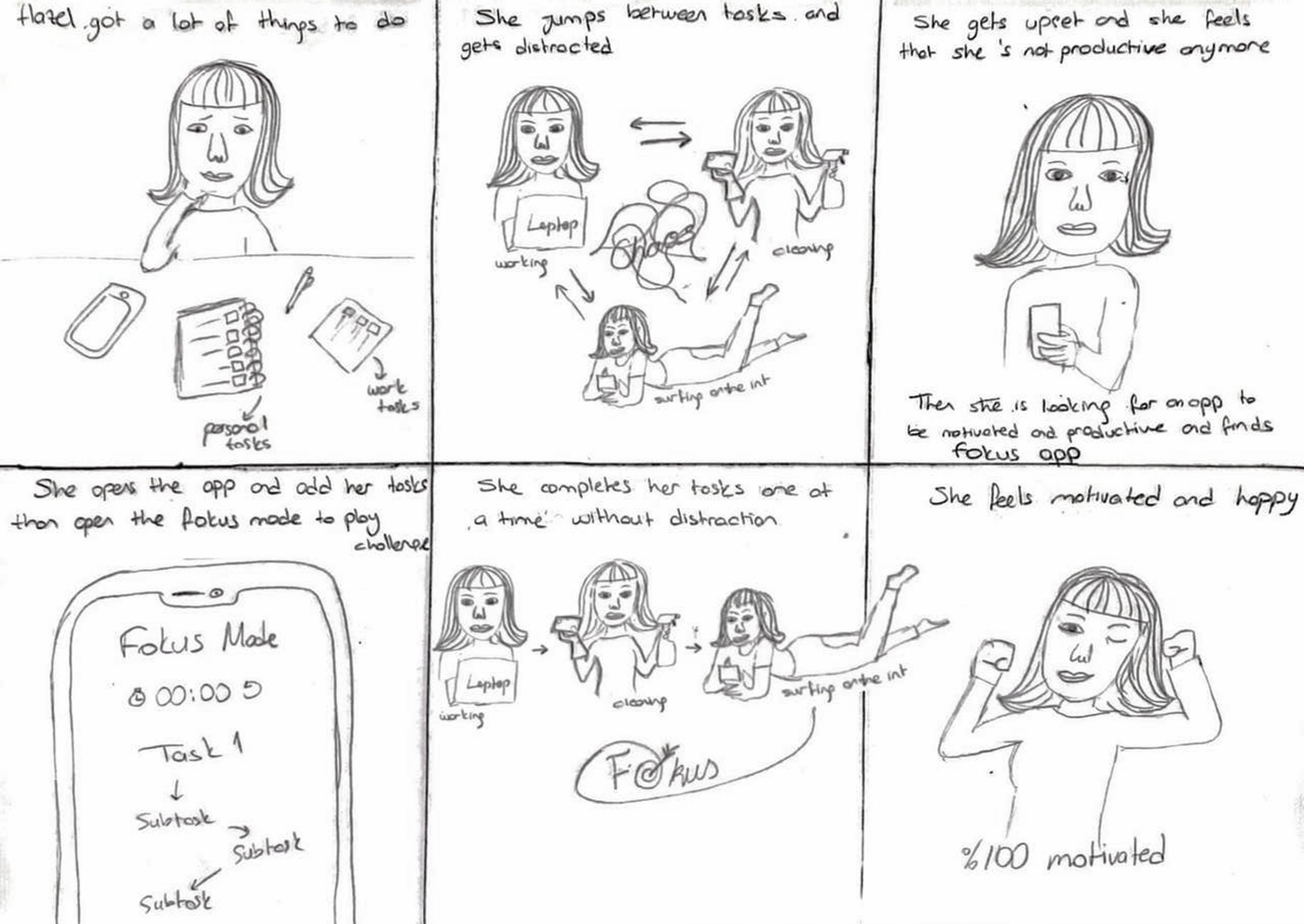
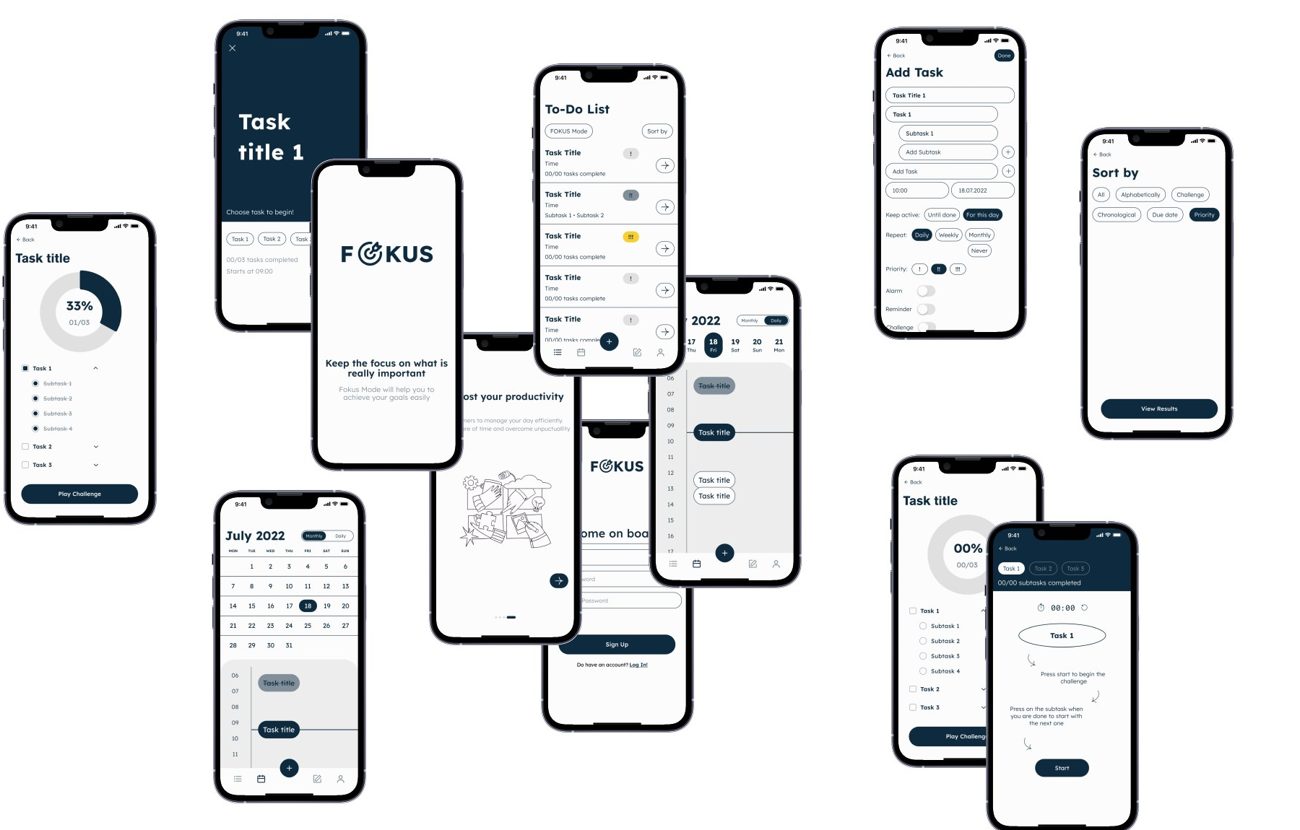
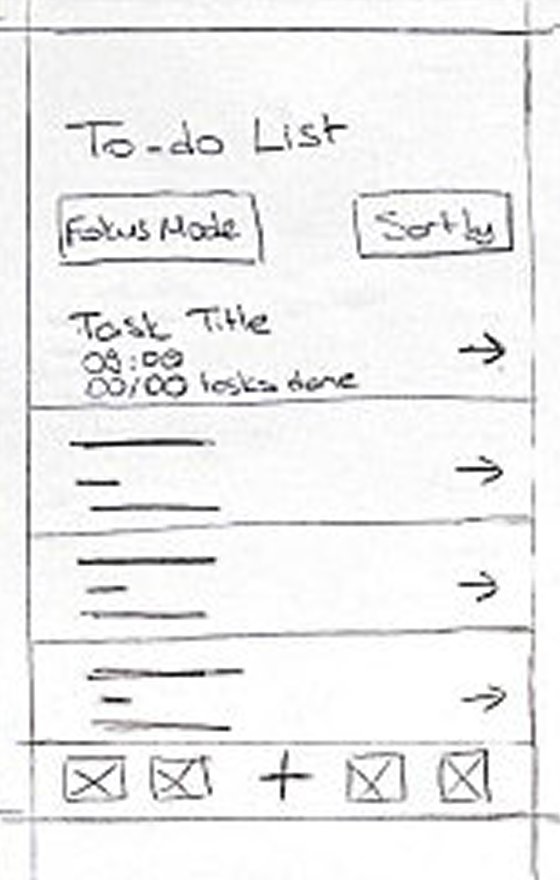 To-do list
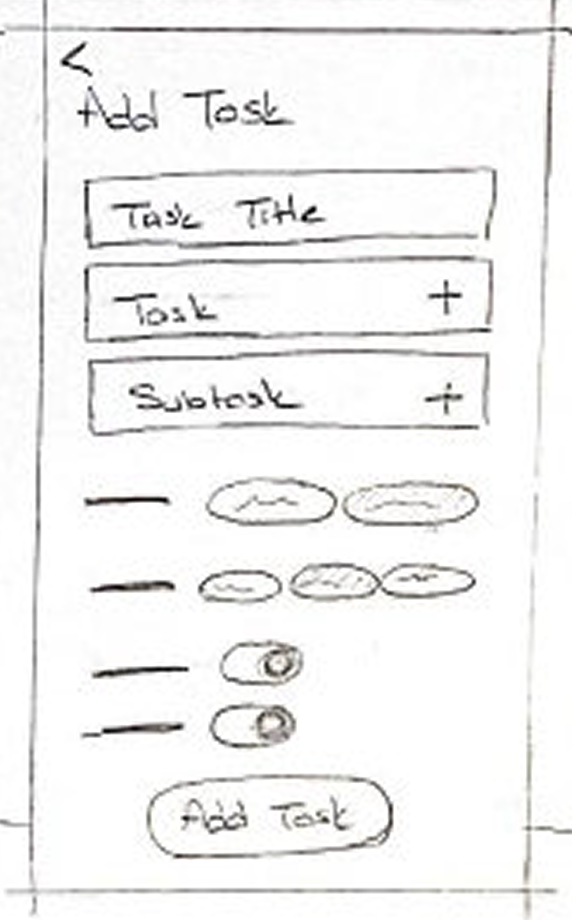 Add task
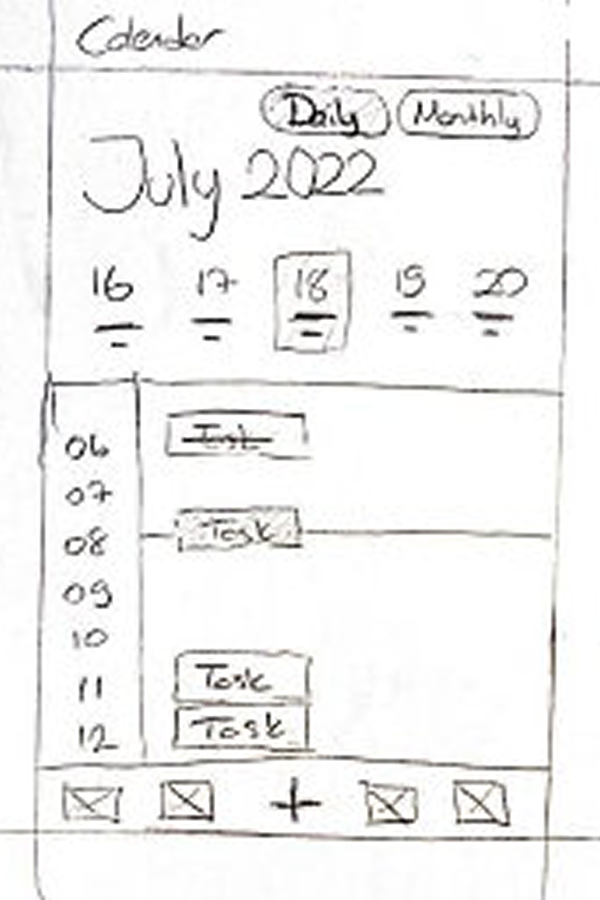 Calendar
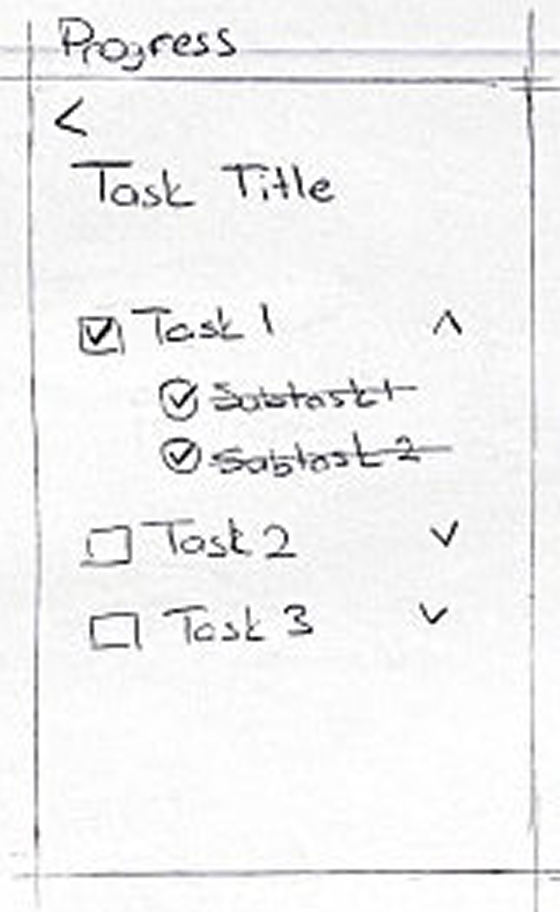 Progress
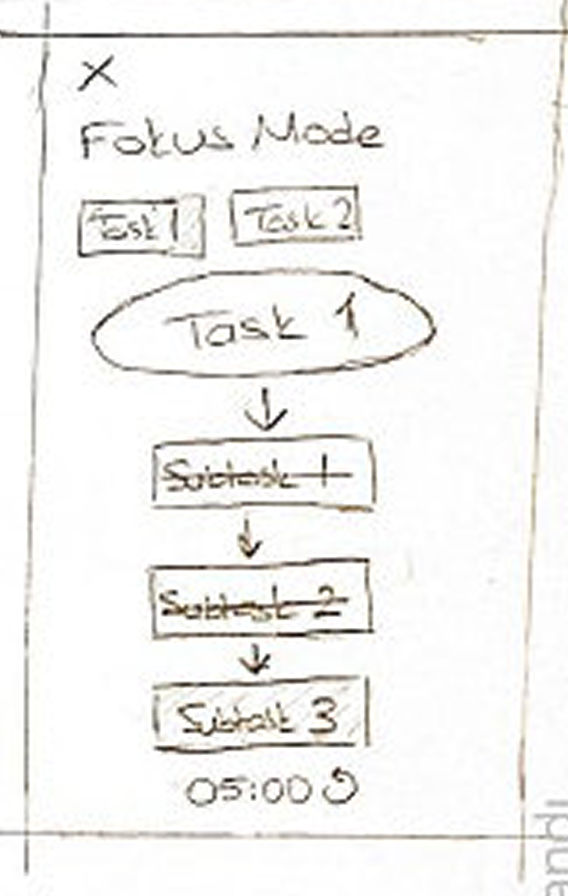 Fokus Mode
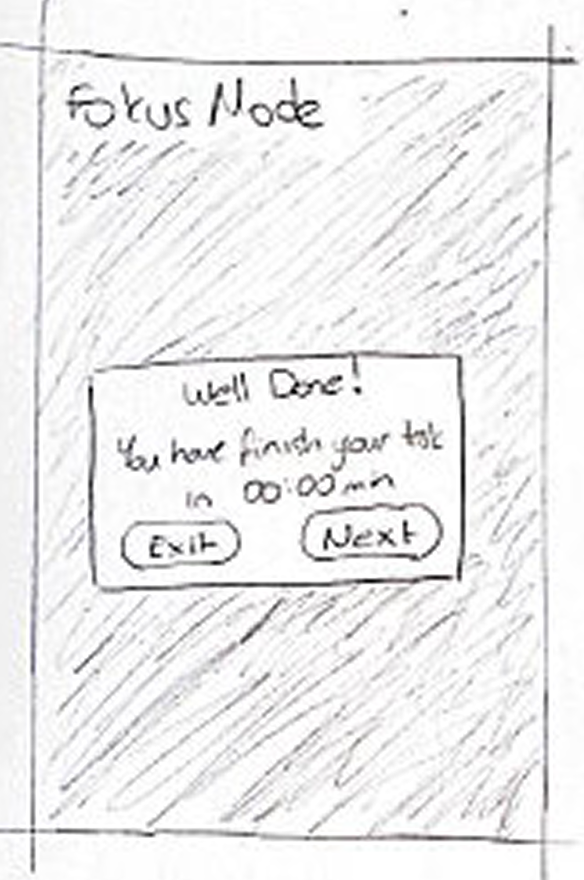 Well done
 Splash
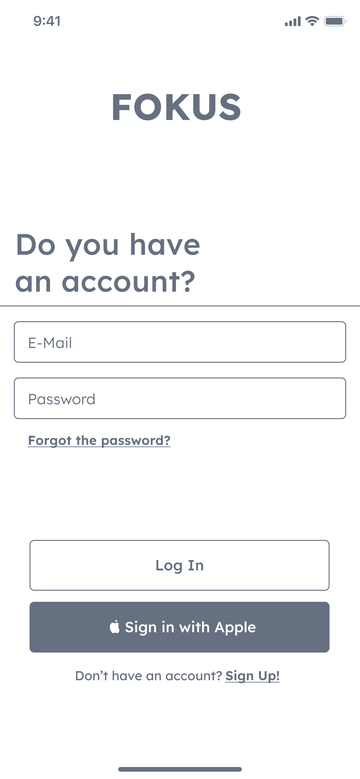 Log in
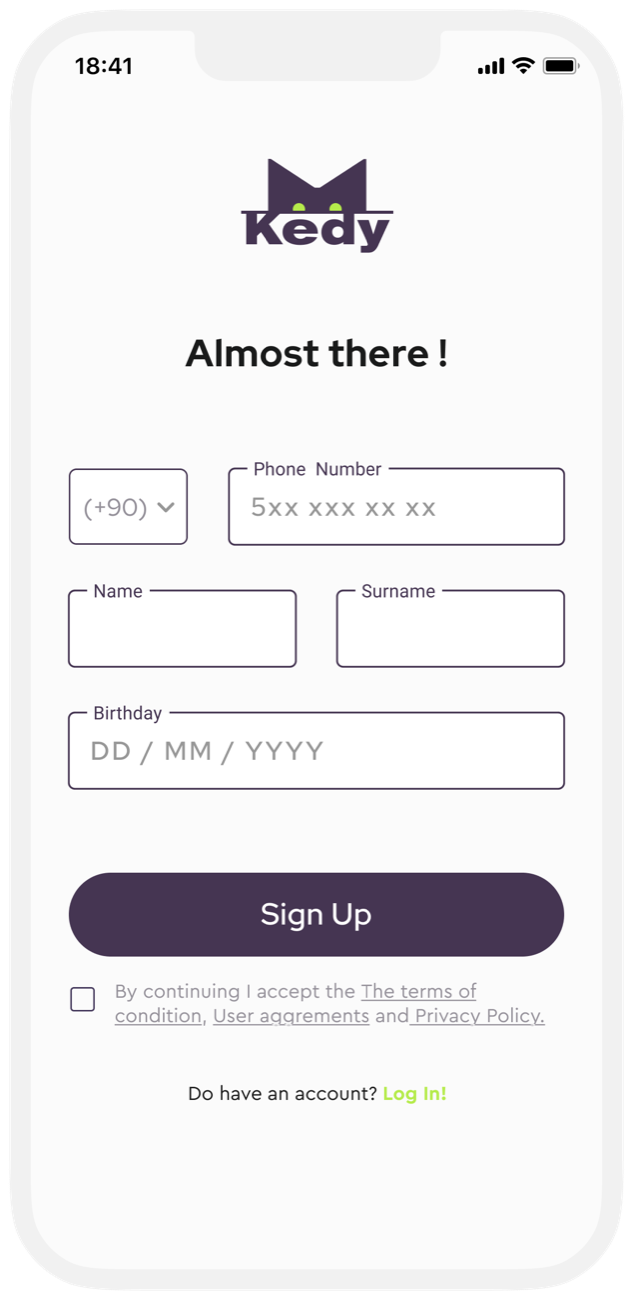
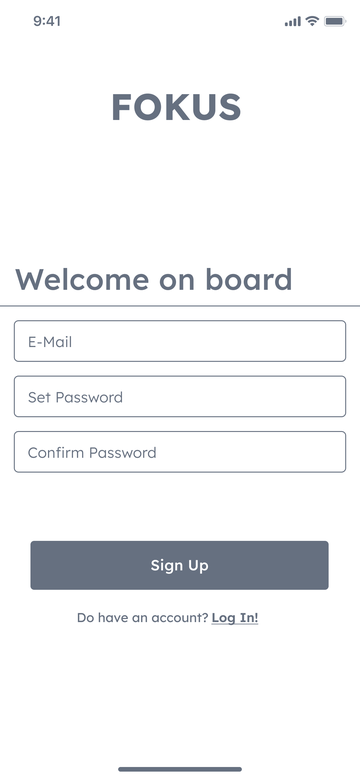 Sign up
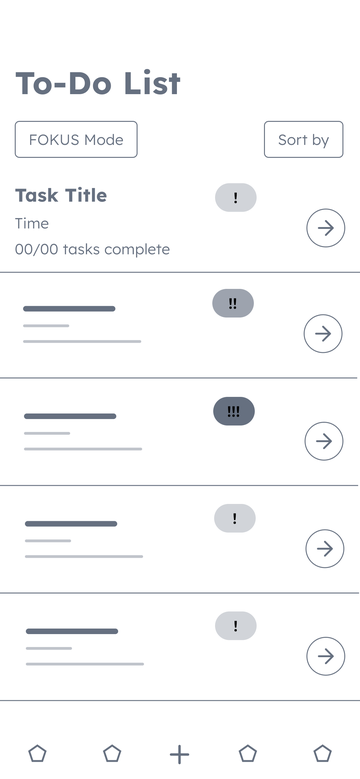 To-do list
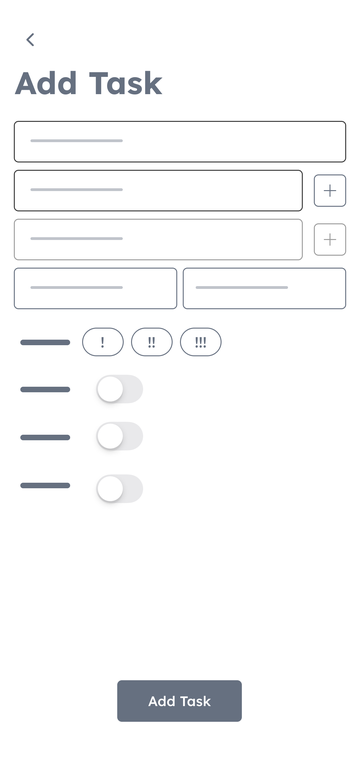 Add task
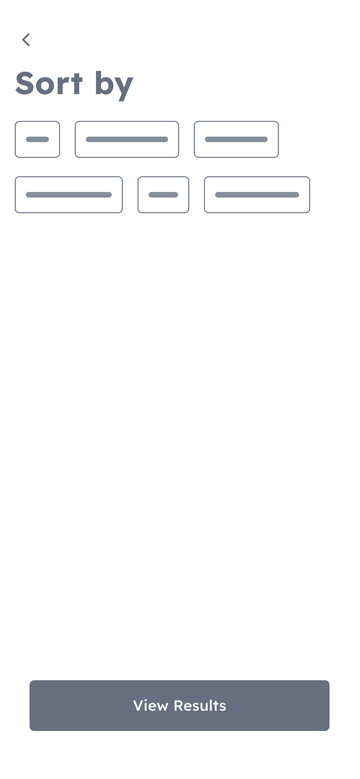 Sort by
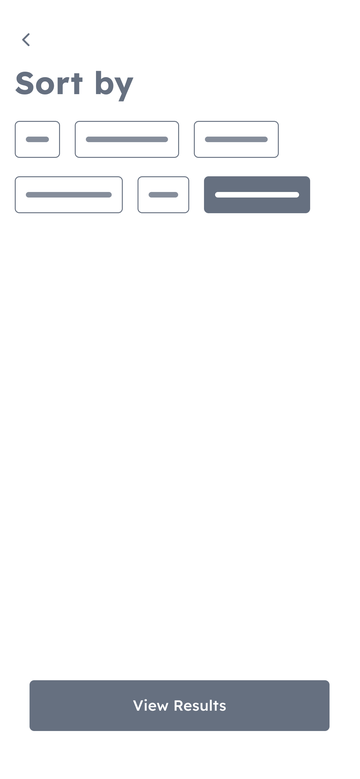 Sort by, selected
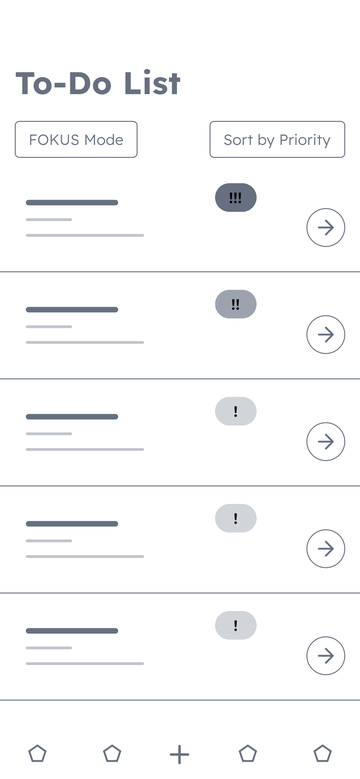 Sorted by priority
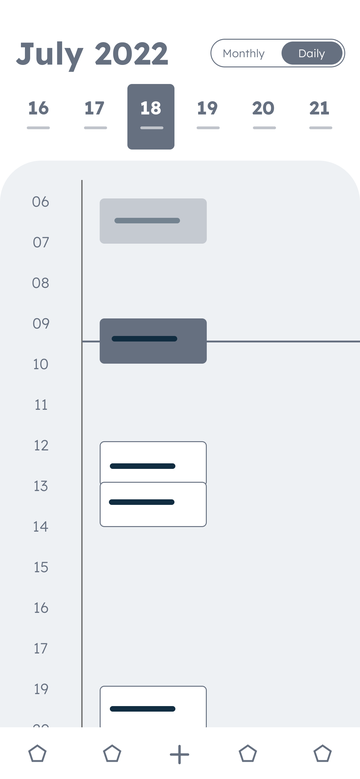 Calendar, daily
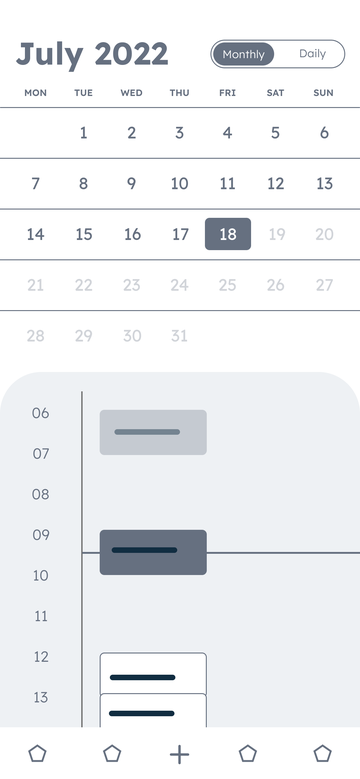 Calendar, monthly
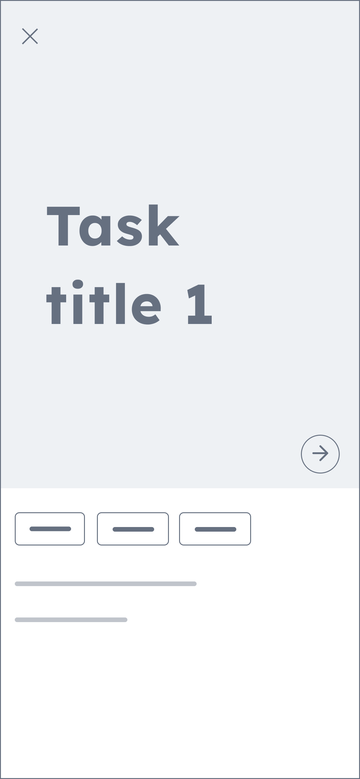 Fokus Mode
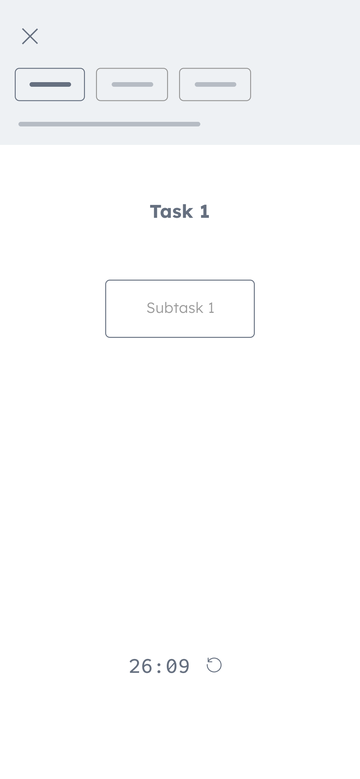 Subtask 1
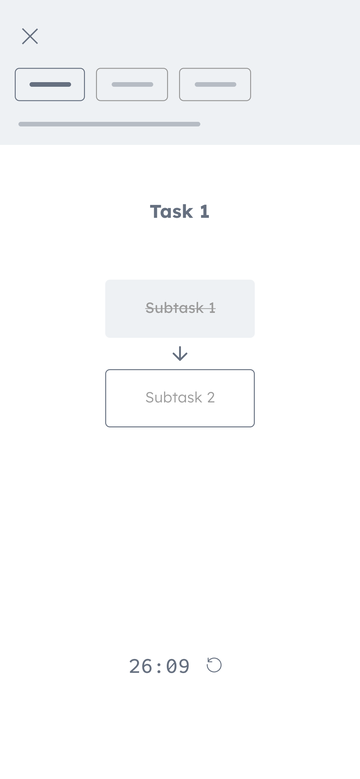 Subtask 2
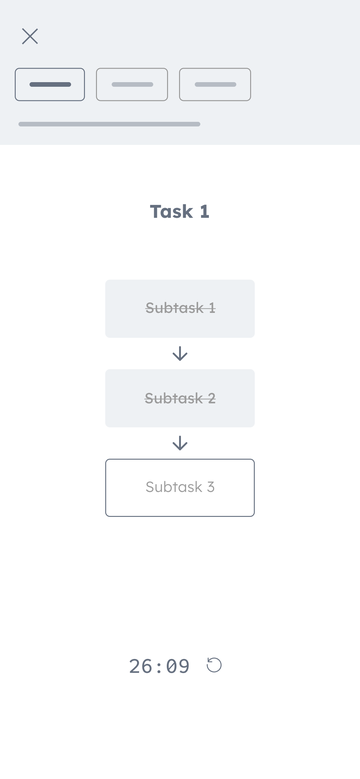 Subtask 3
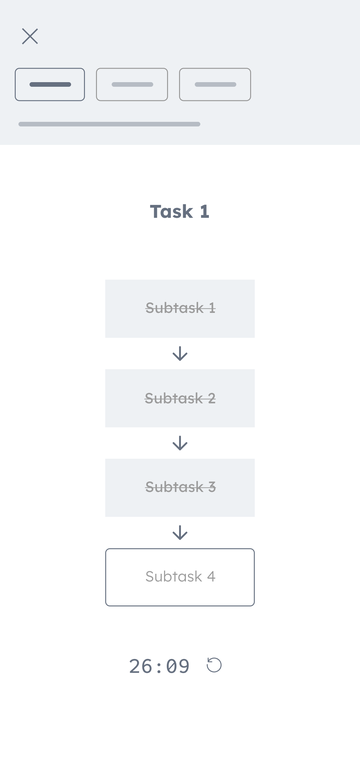 Subtask 4
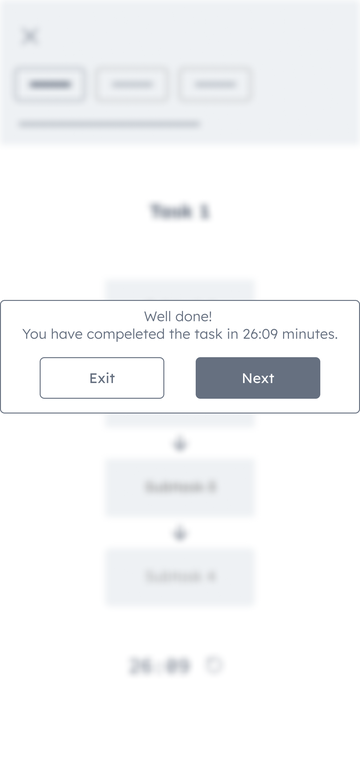 Well done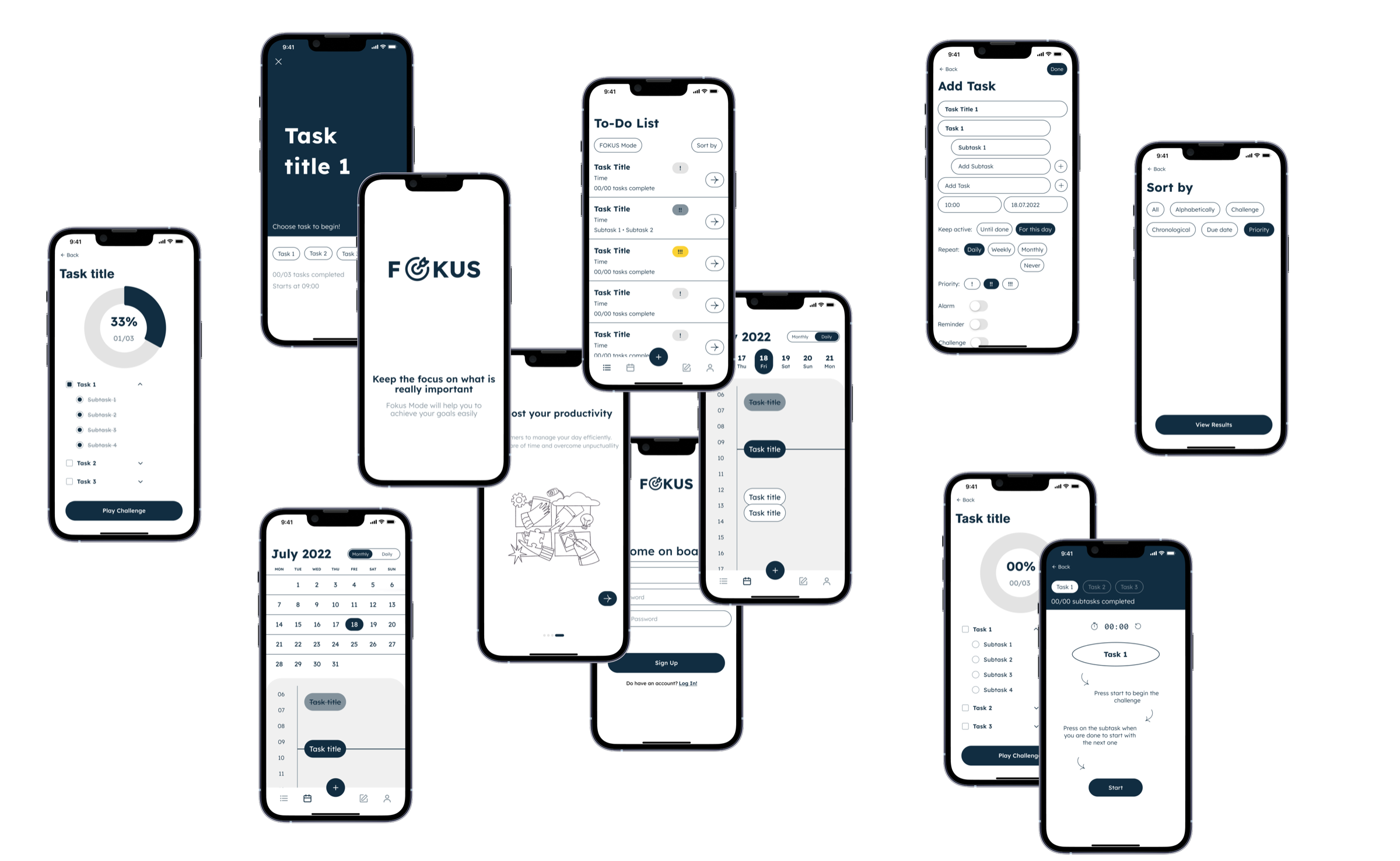

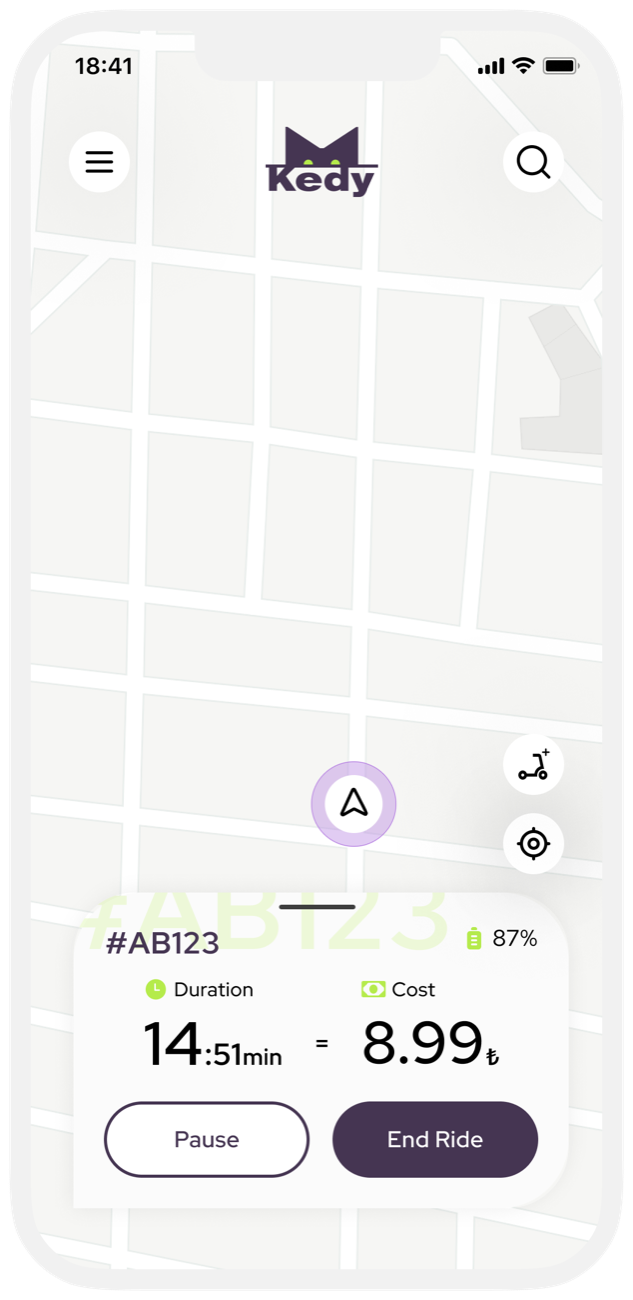




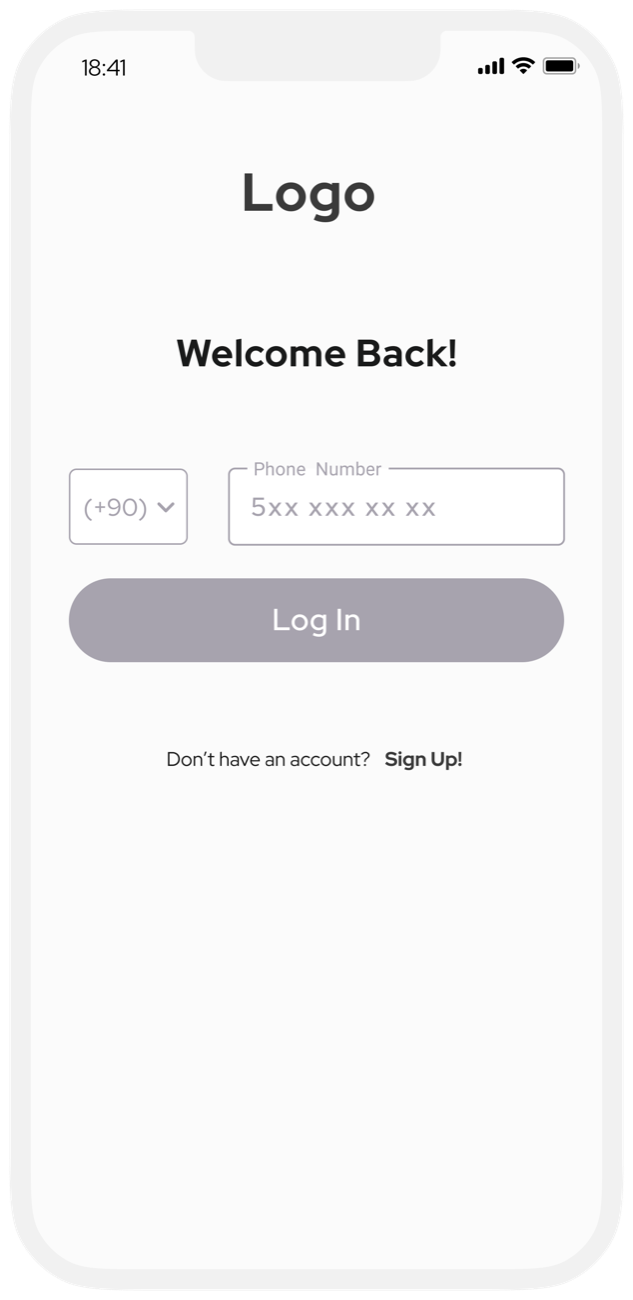 Log in
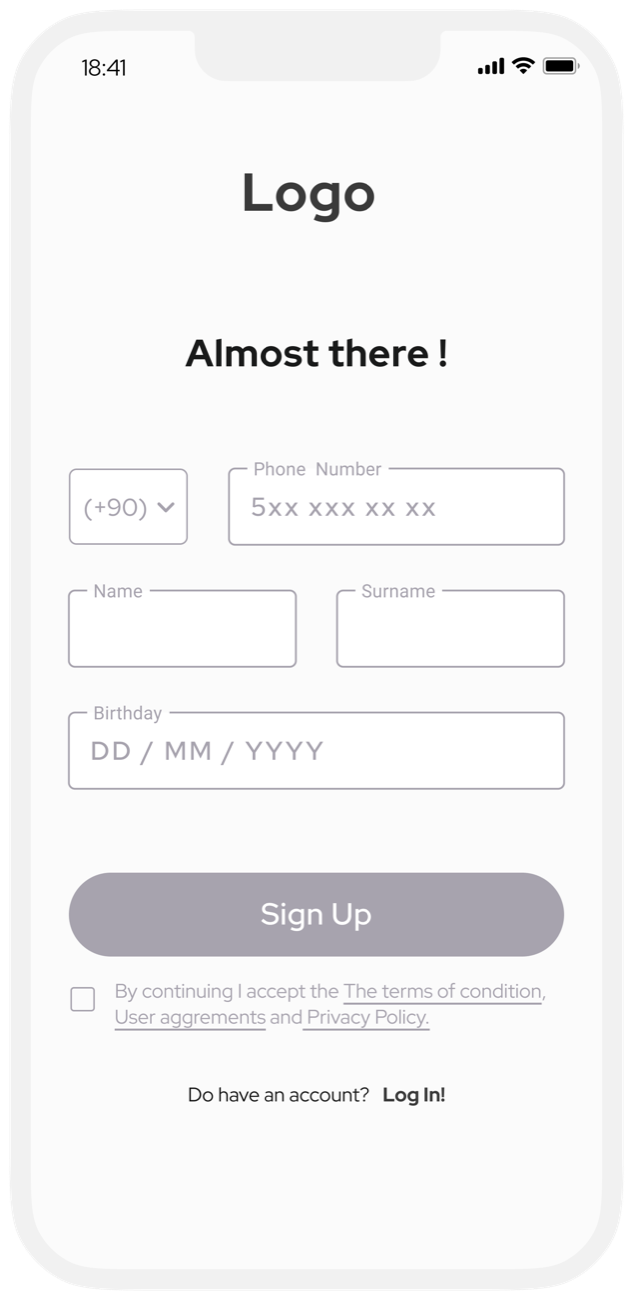 Sign up
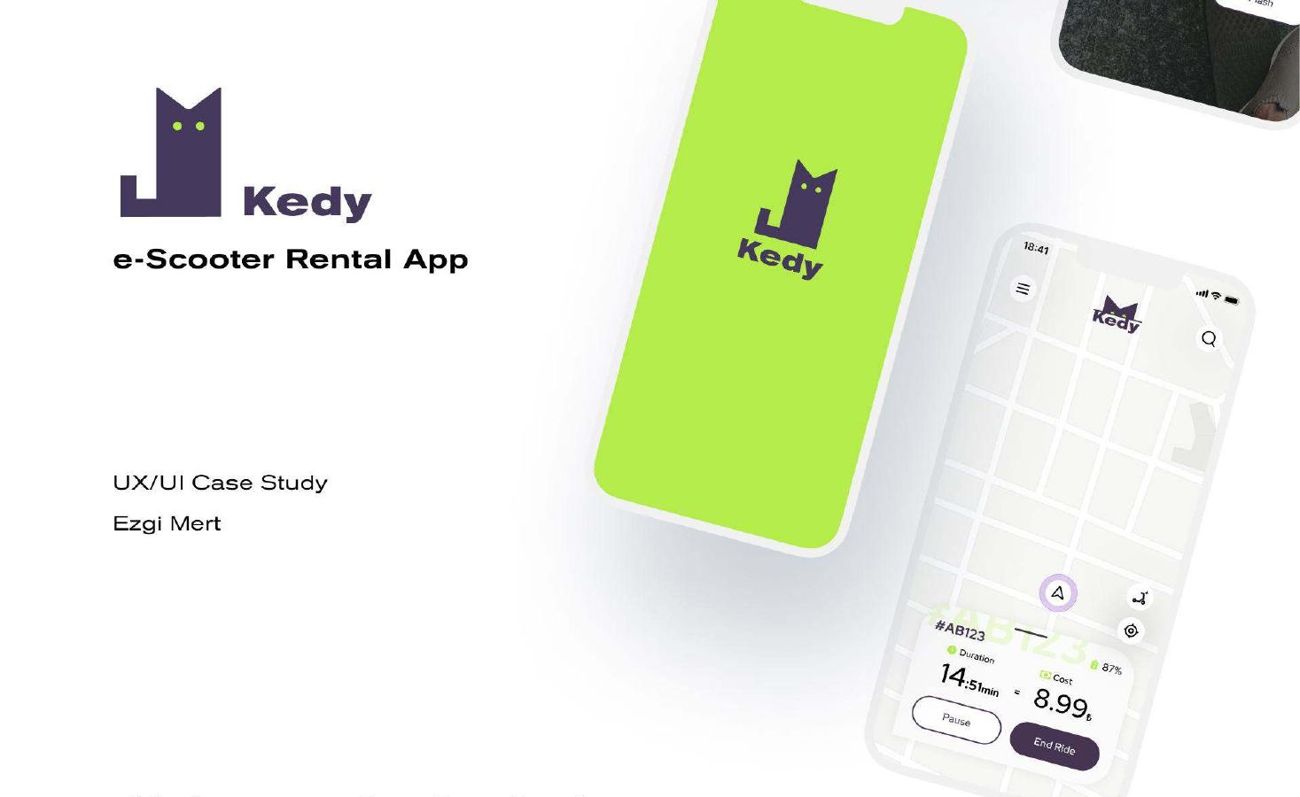
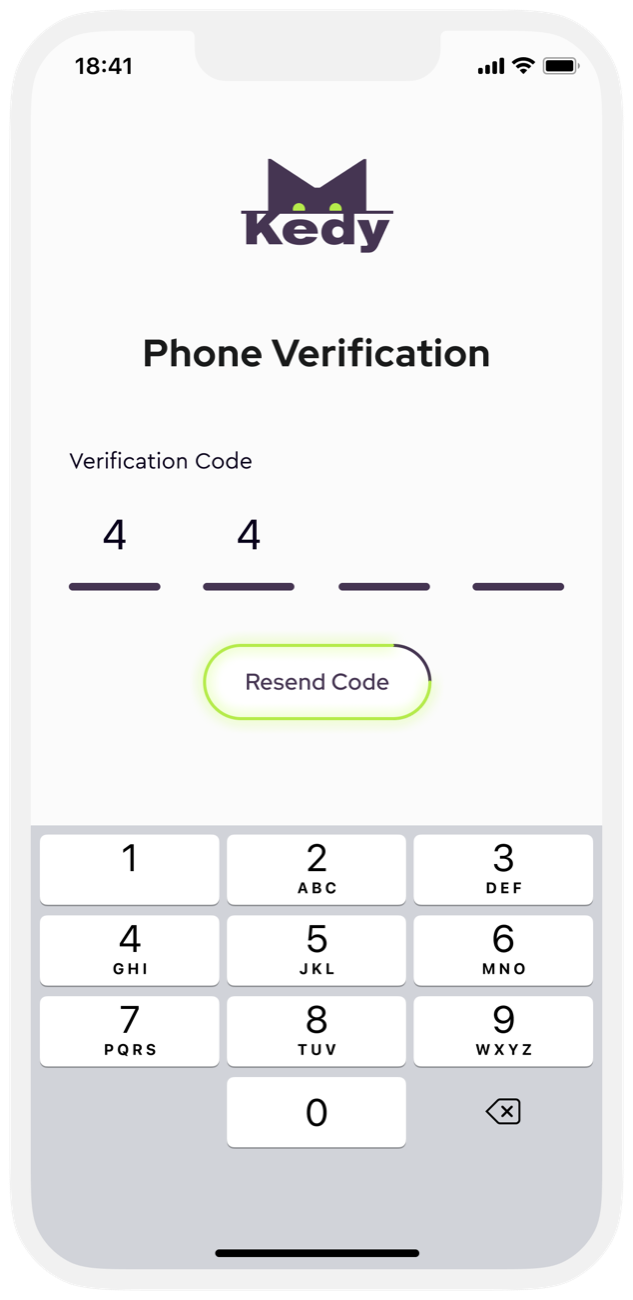
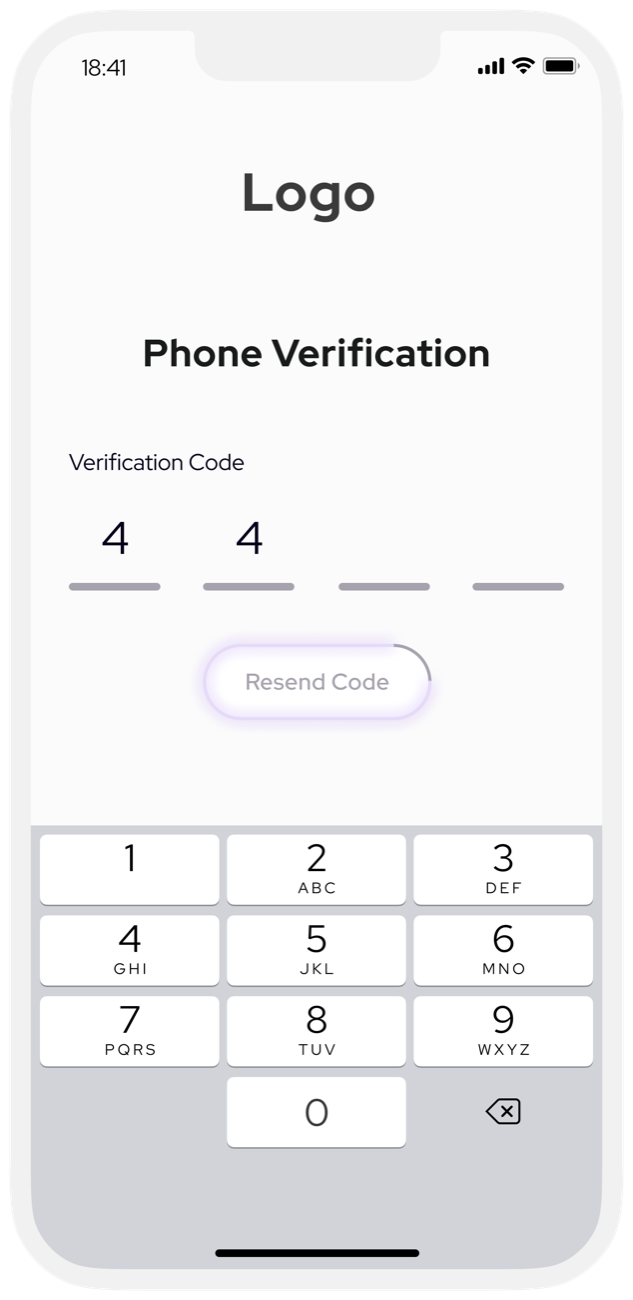 Phone verification
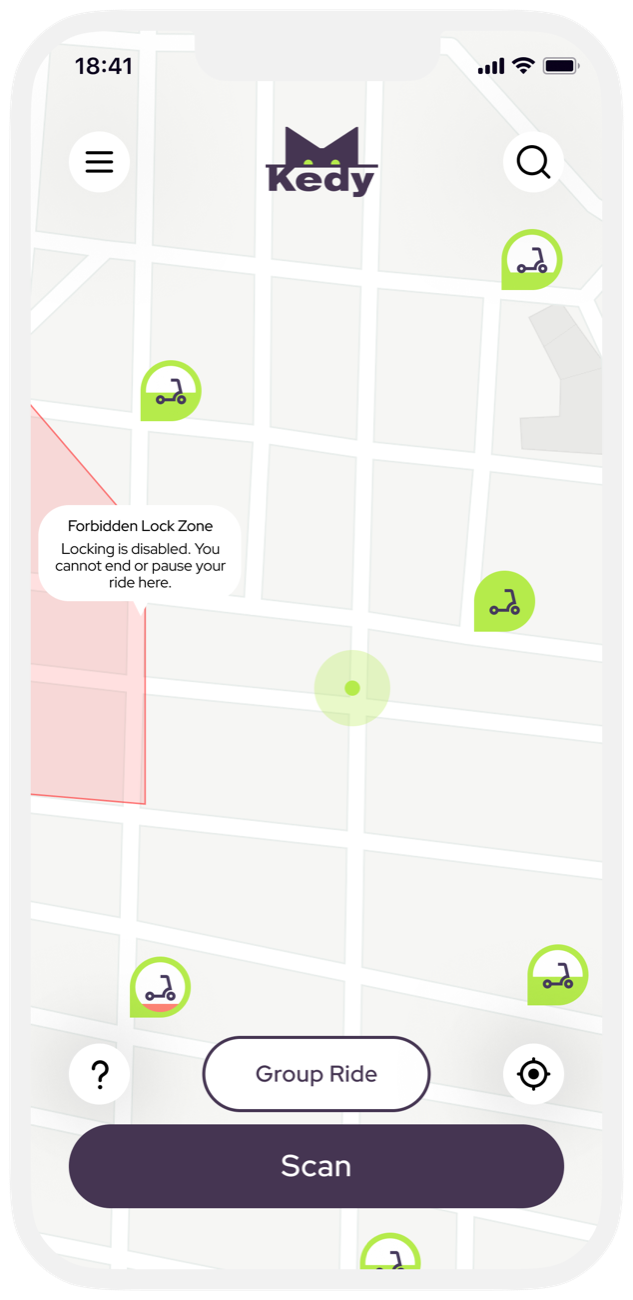
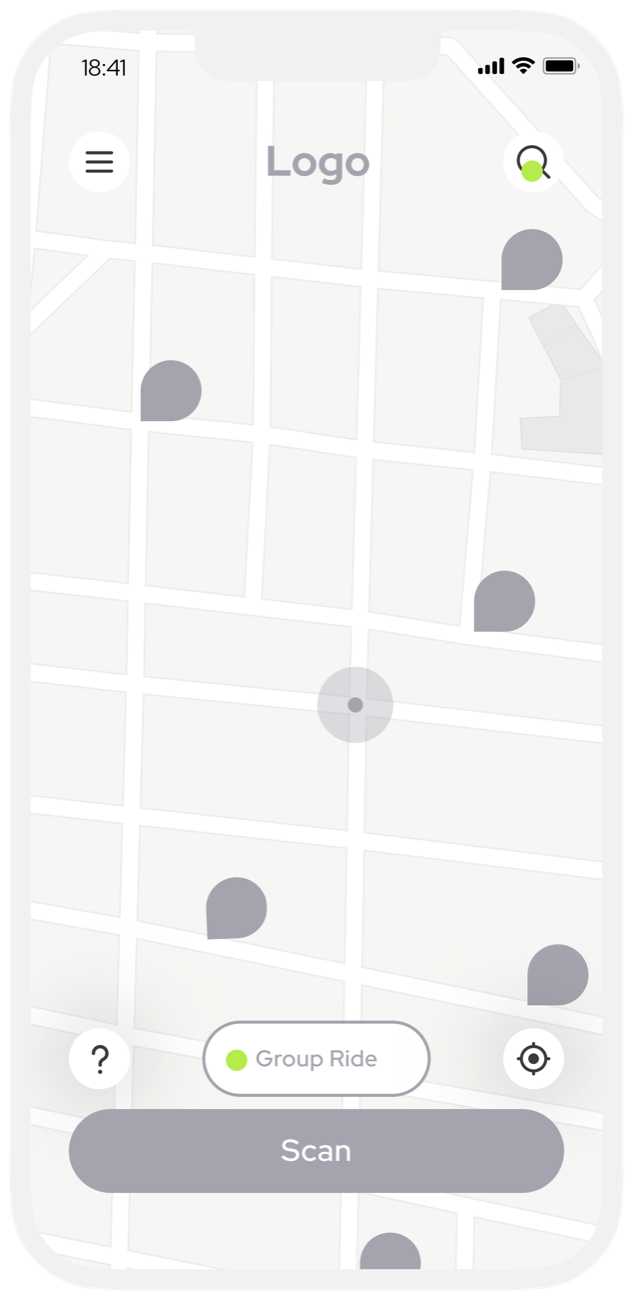 Map
Map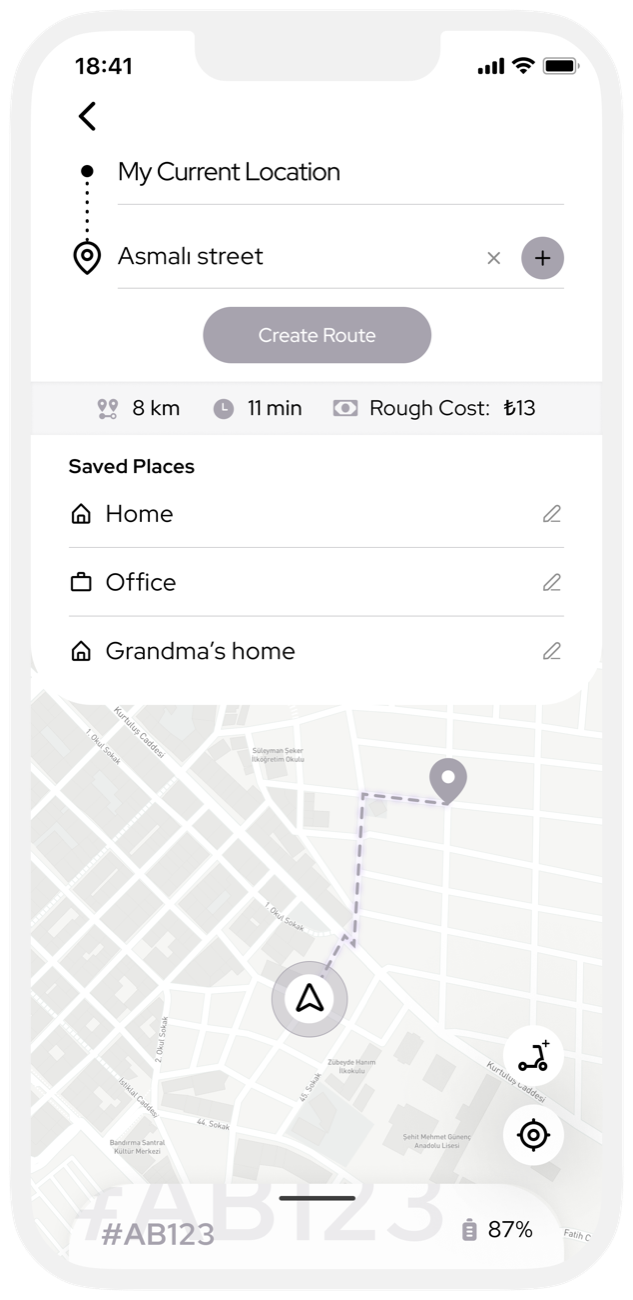 Create route
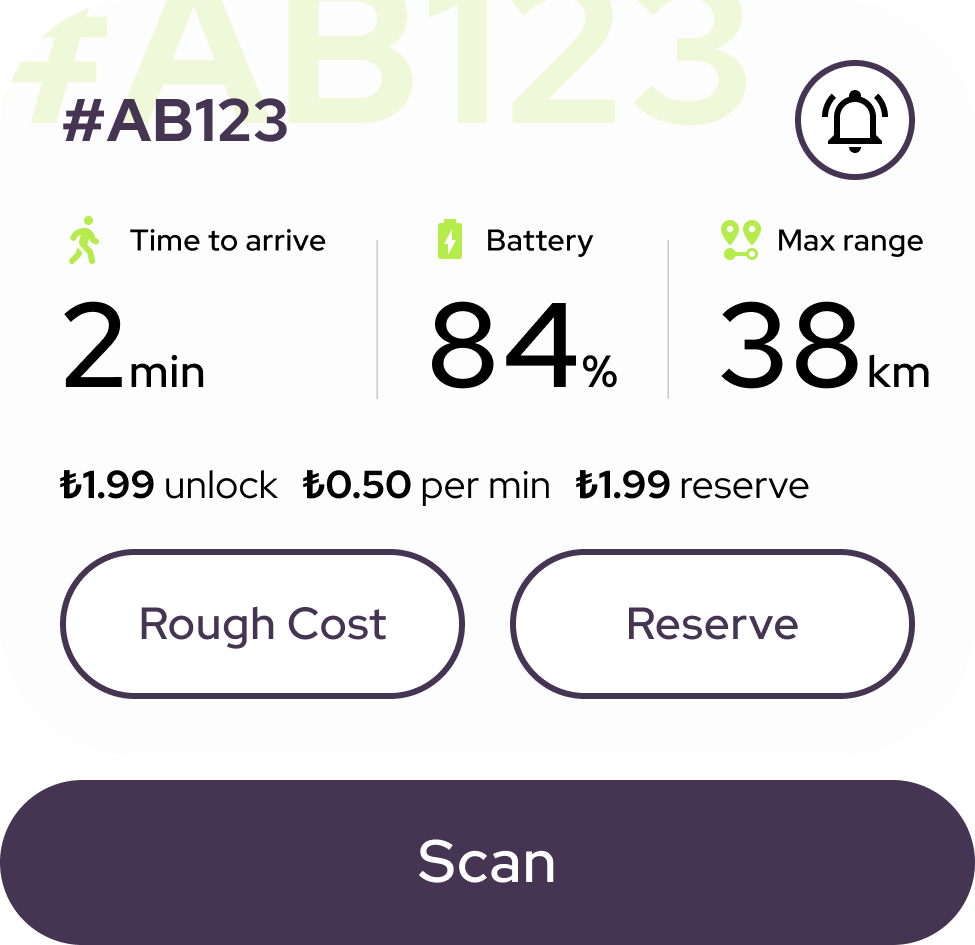
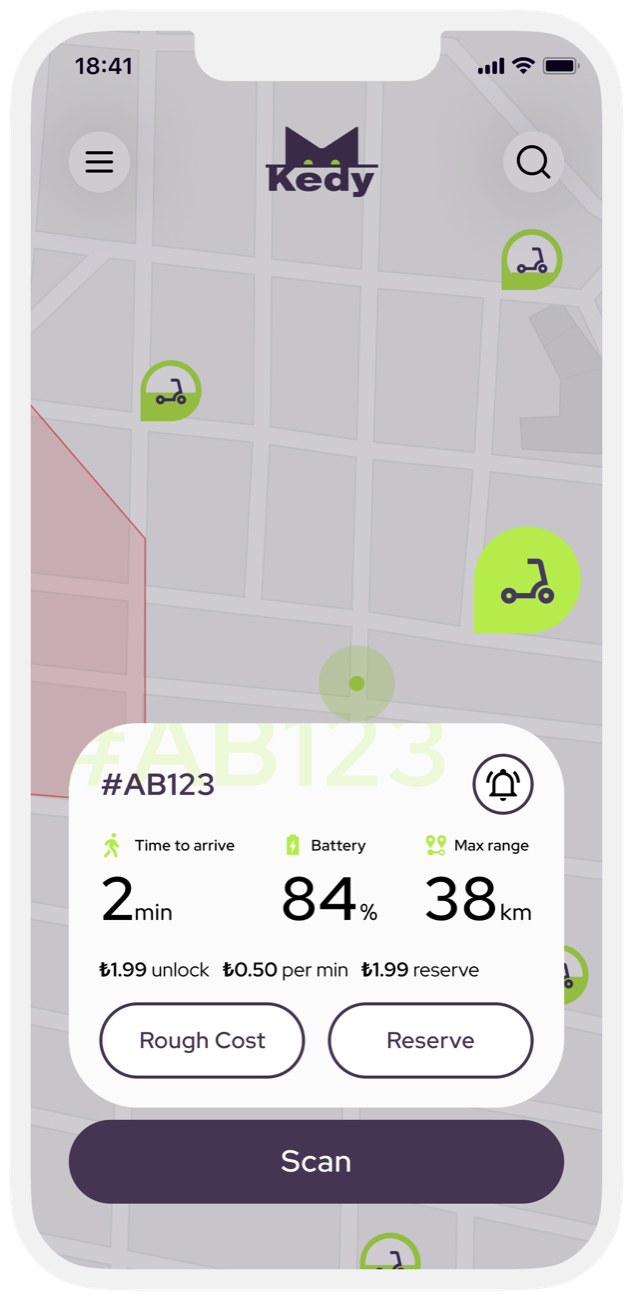
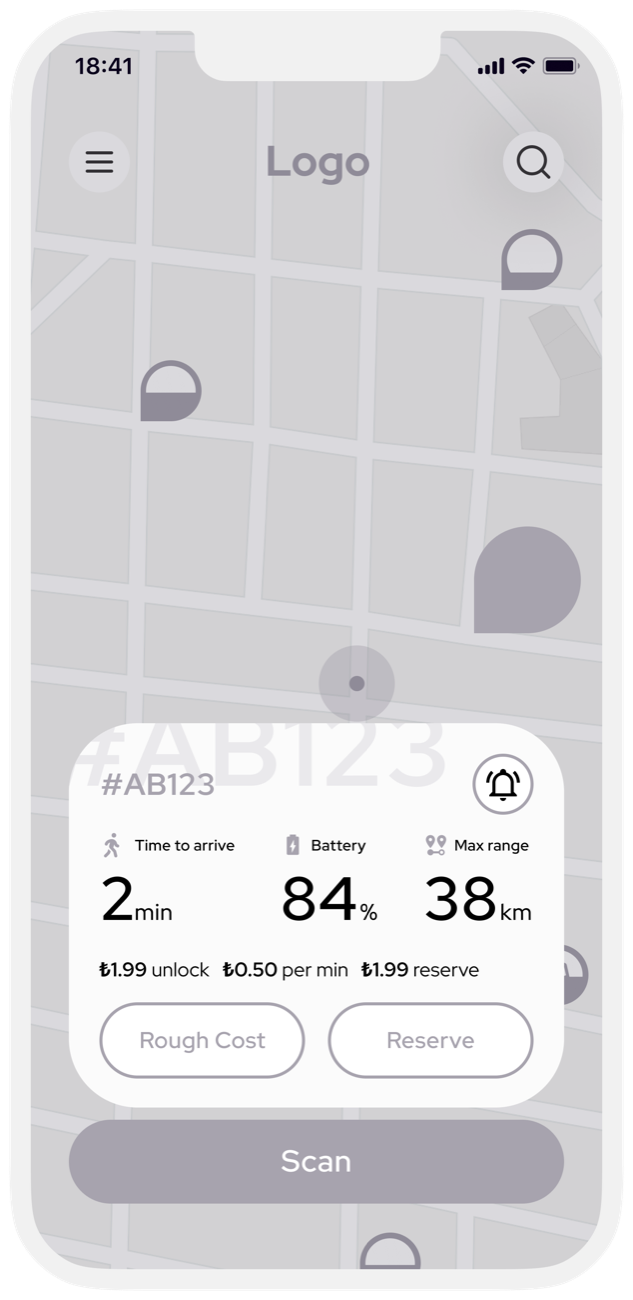 Scooter details
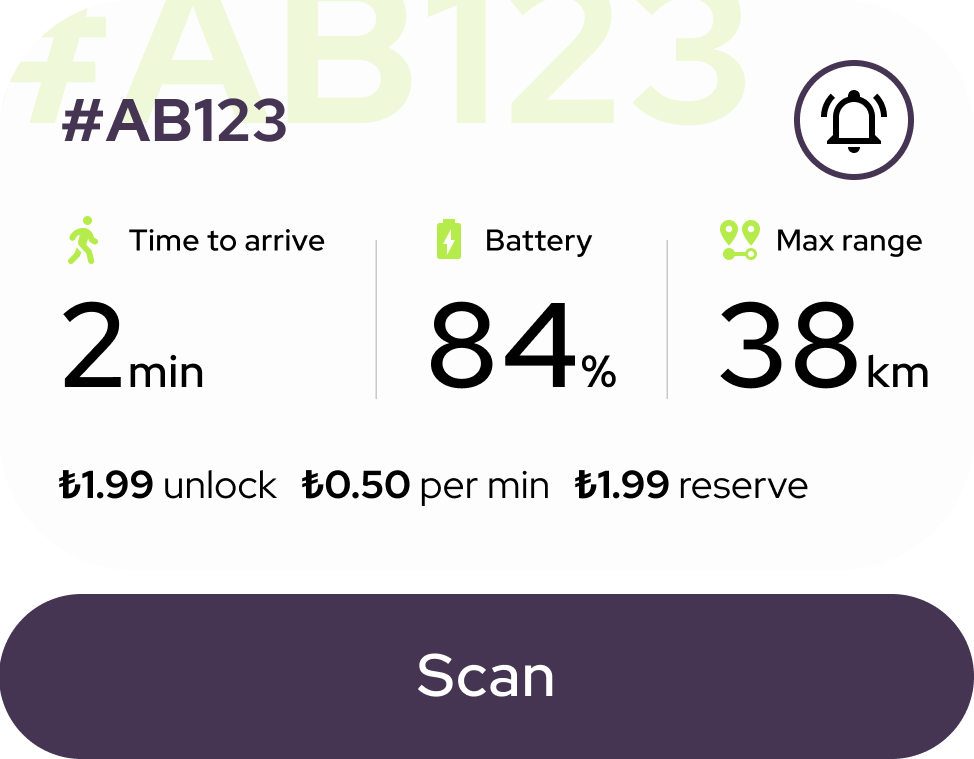
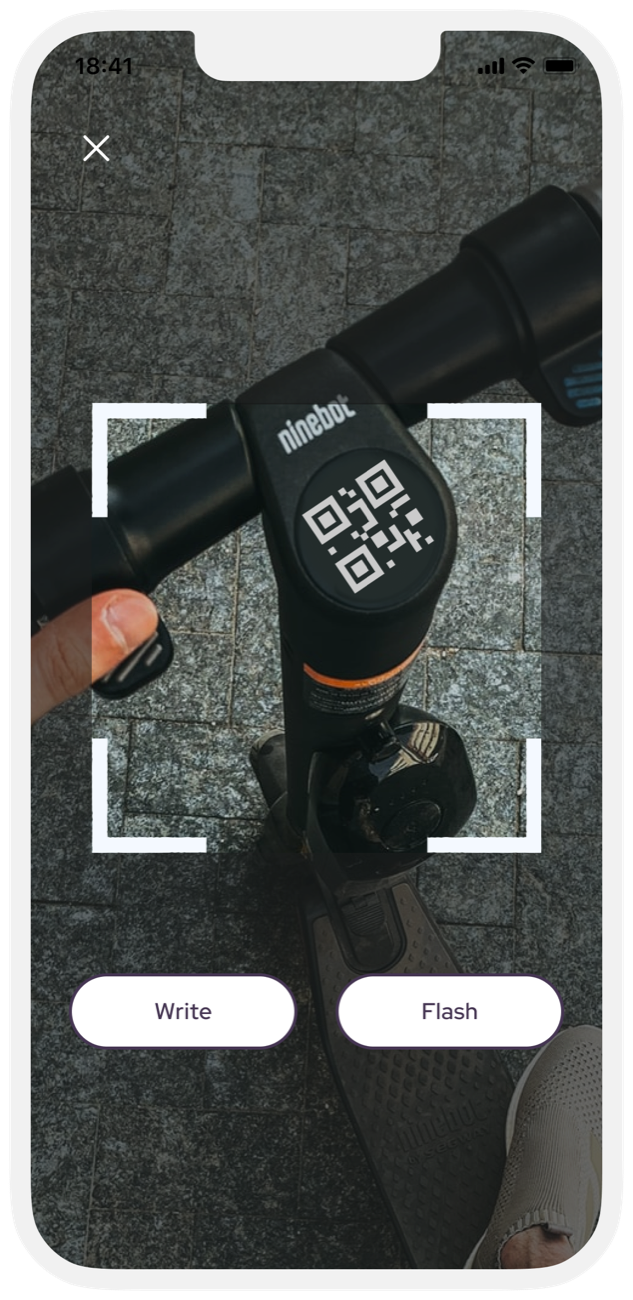
 Scan
Scan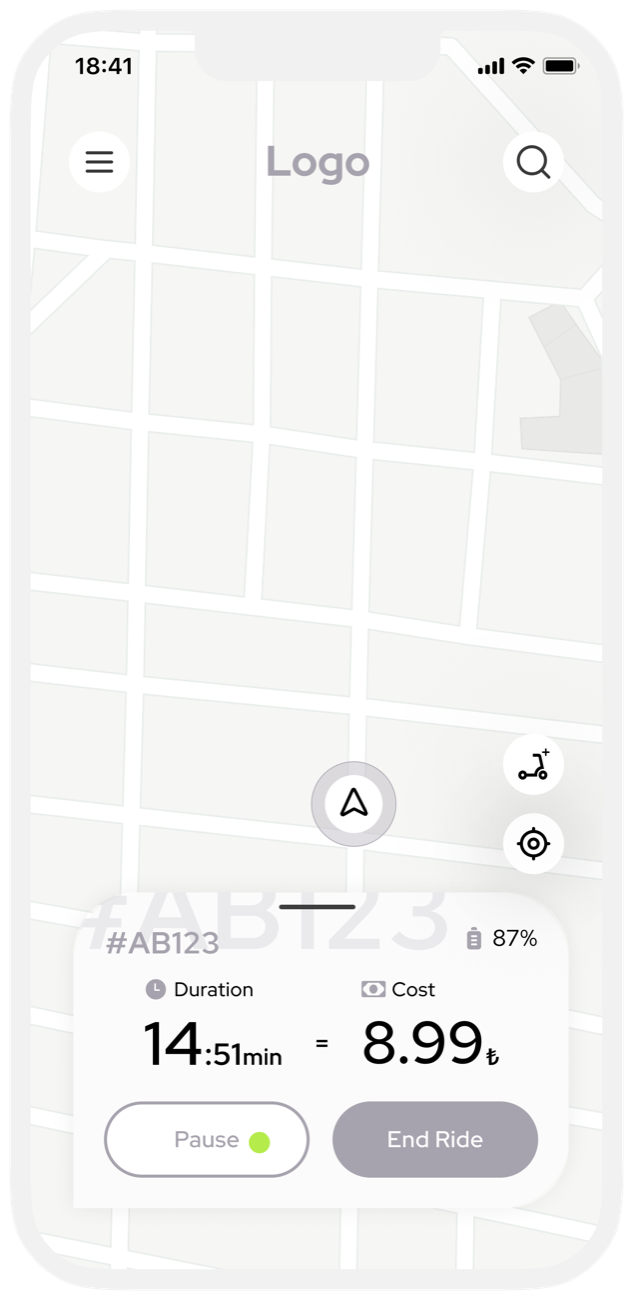 Riding
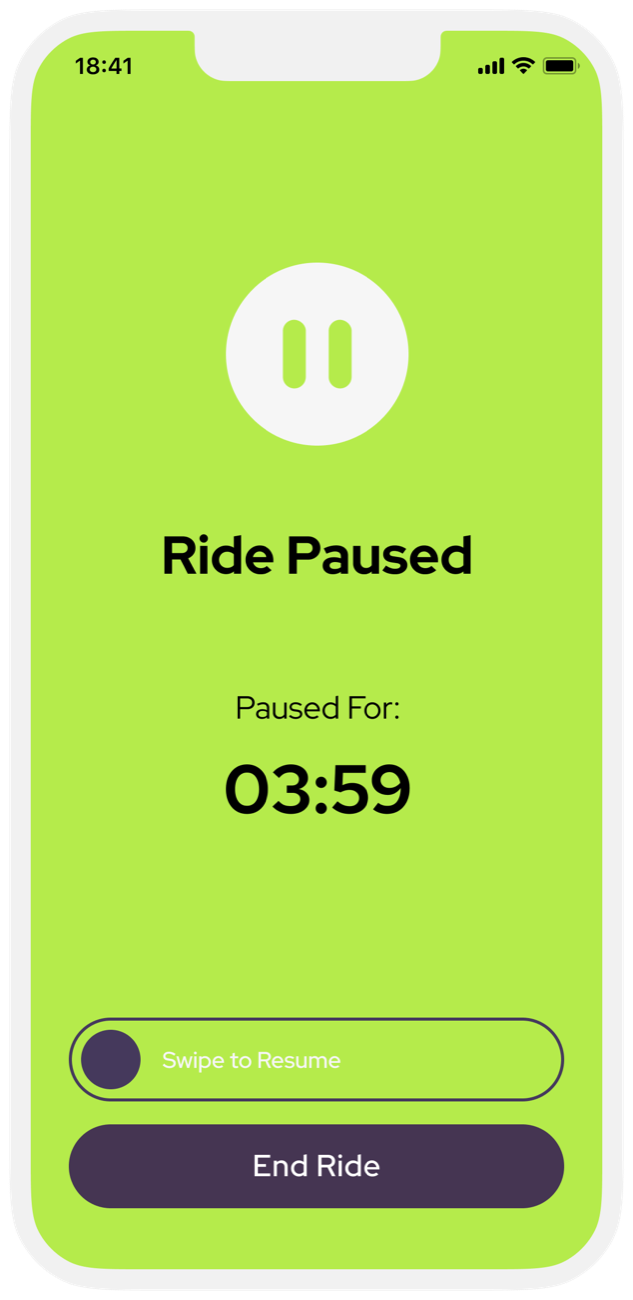
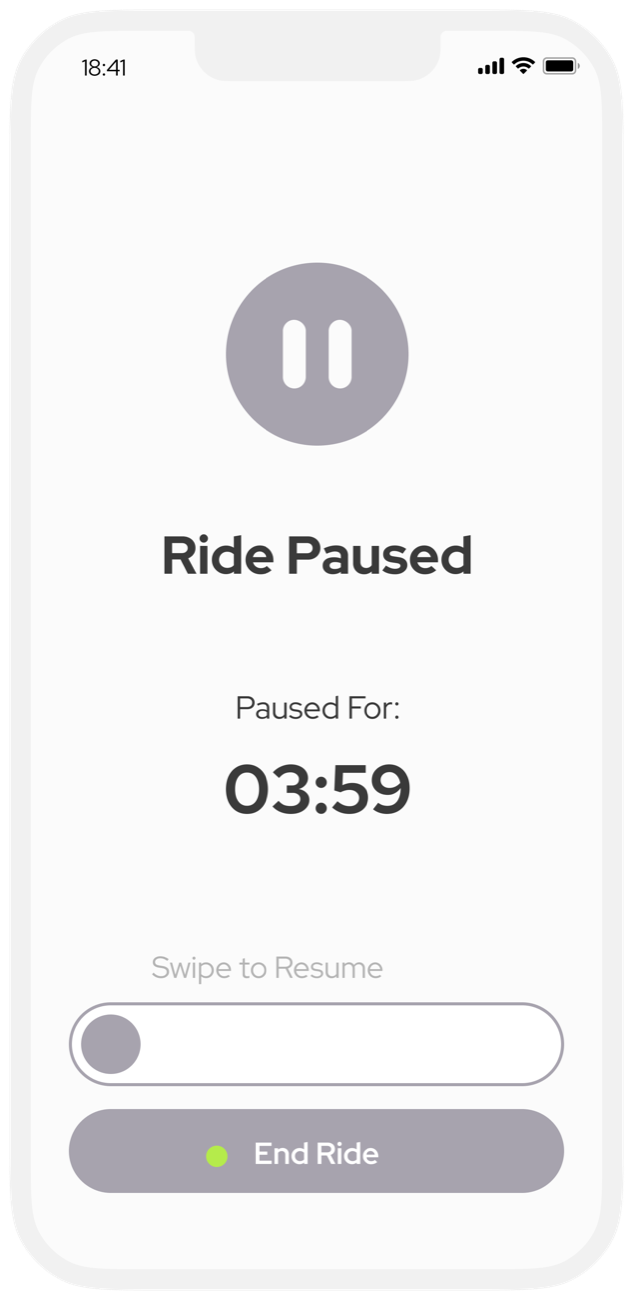 Ride paused
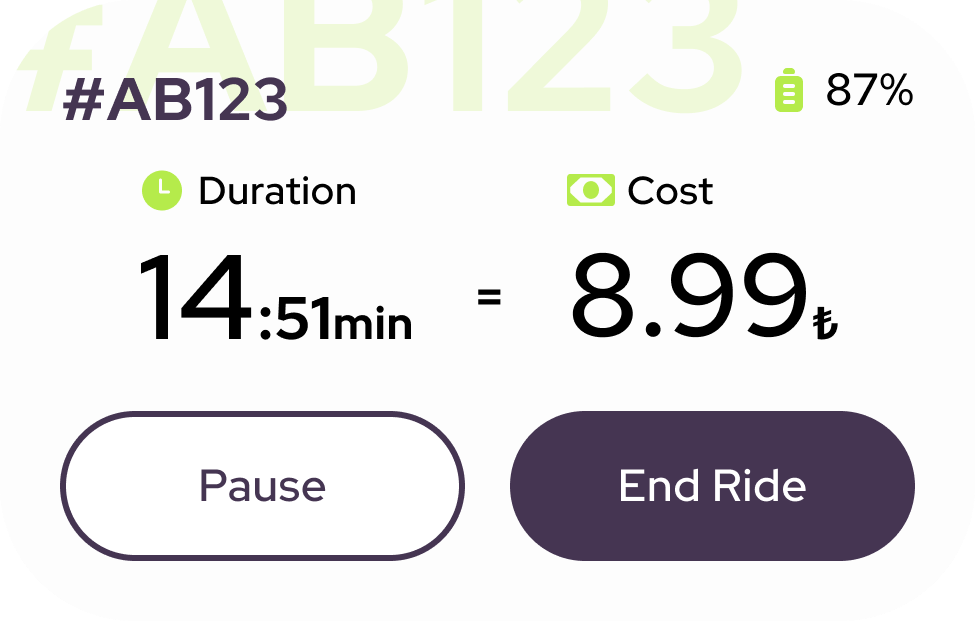
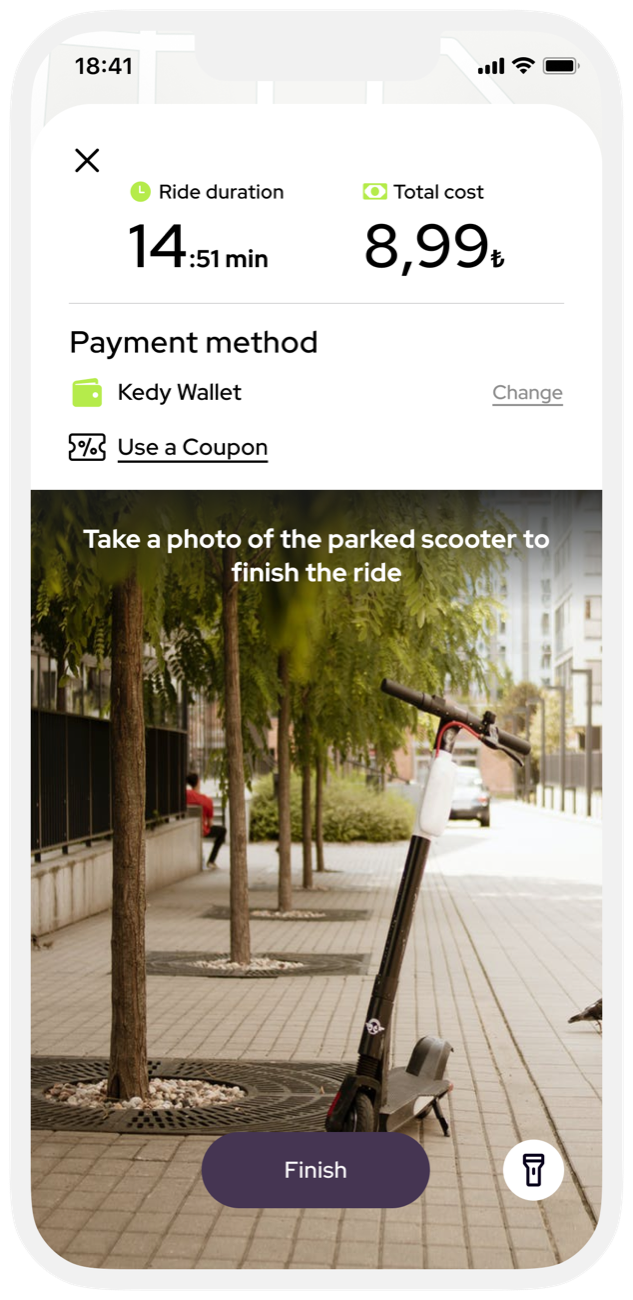
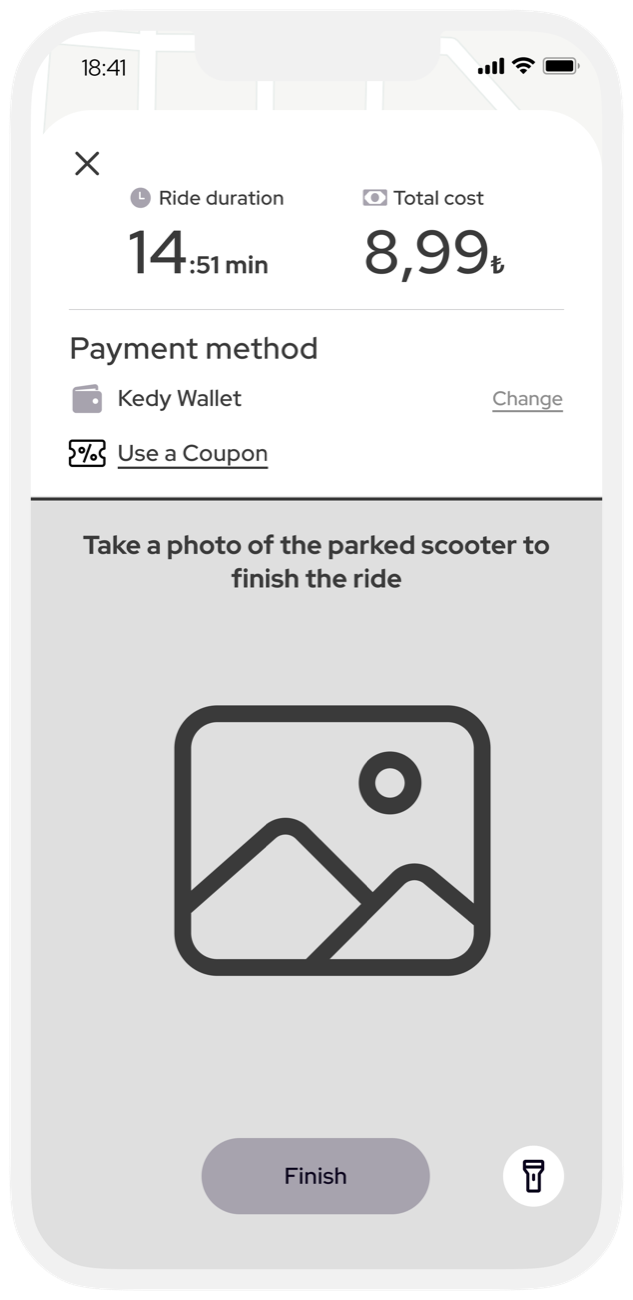 Finish ride
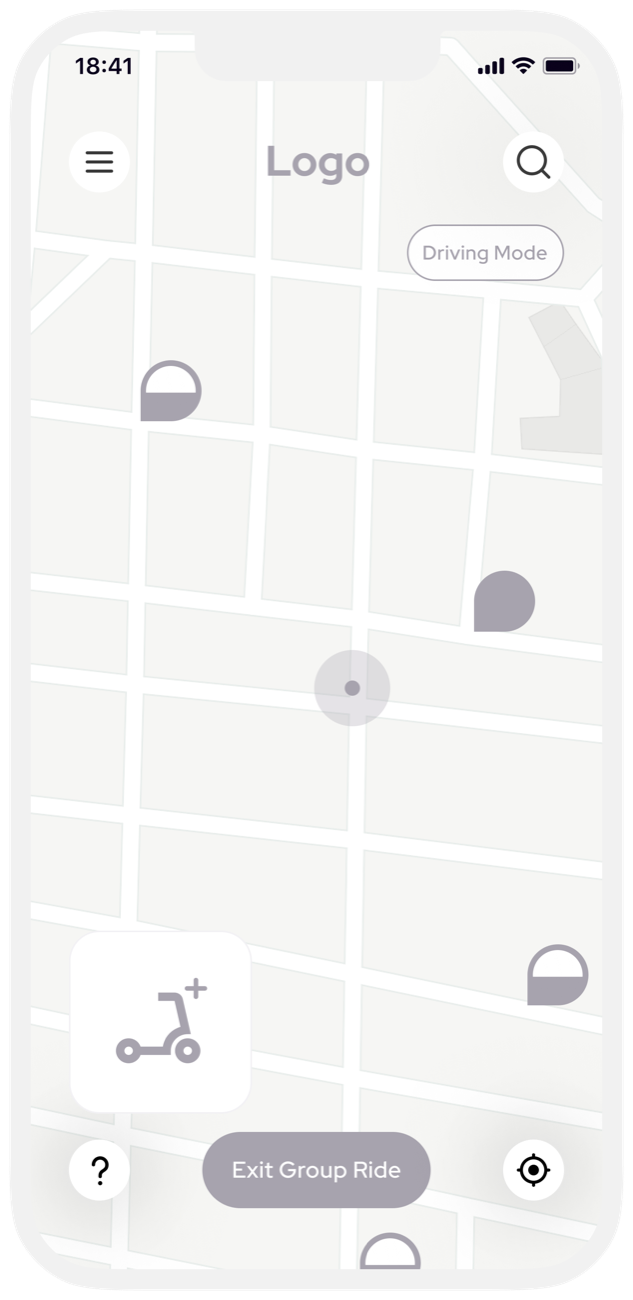 Group ride
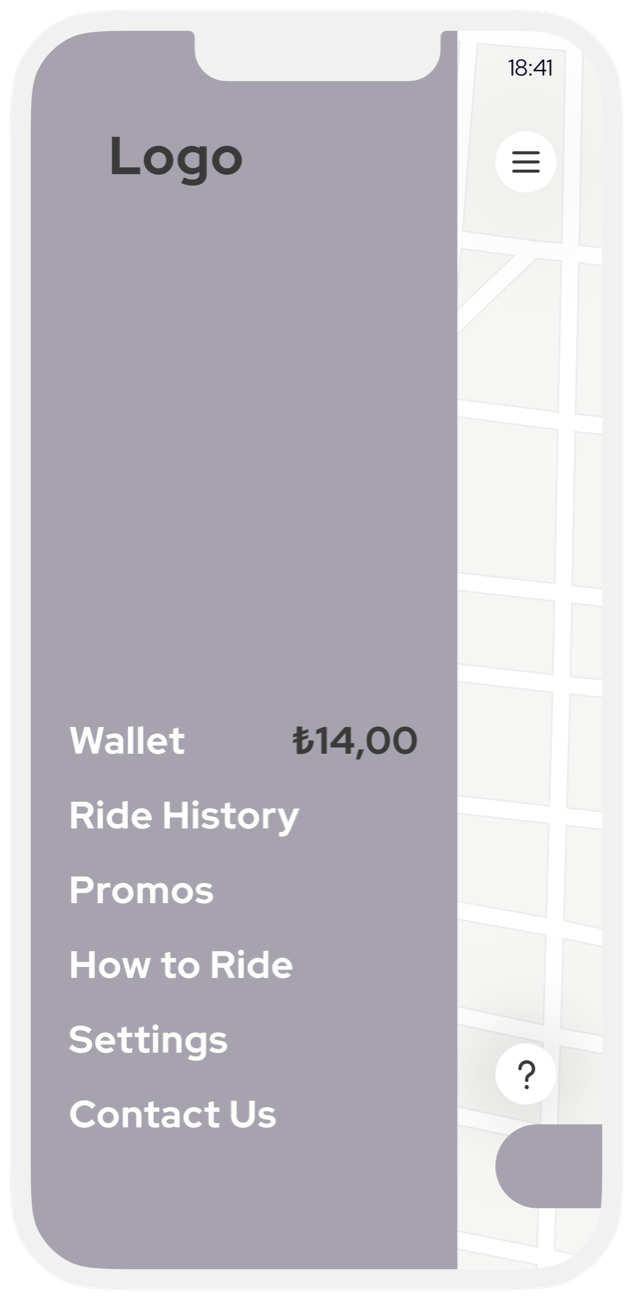 Menu
Menu












 ,
, ,
,
 ,
, .
.